Mosh vs SSH: the short answer
SSH is the standard, ubiquitous way to log into a server. Mosh (Mobile Shell) is built on top of SSH to fix two things SSH is bad at: surviving network changes and feeling responsive on a laggy connection. If you're on a stable network, plain SSH is all you need. If you're on a phone, hopping between Wi-Fi and cellular, mosh's ability to keep the session alive is genuinely useful — at the cost of needing it installed on the server and giving up a few SSH features.
What mosh adds
Mosh starts by logging in over SSH (so it uses your normal SSH auth), then switches to its own UDP-based protocol. That switch buys three things:
- Roaming. Your IP can change — Wi-Fi to cellular, a new network — and the session just keeps going. Plain SSH drops the moment the connection breaks.
- Survives sleep and drops. Close the laptop or lose signal in a tunnel; when you're back, the session is still there.
- Instant typing. Mosh echoes your keystrokes locally and predicts the result, so typing feels immediate even on a high-latency link.
What you give up with mosh
- It must be installed on the server (and the client), and it needs UDP ports open (typically 60000–61000).
- No port forwarding or agent forwarding — if you rely on SSH tunnels, mosh won't do them.
- No SFTP/SCP — mosh is for interactive sessions, not file transfer; you still use SSH/SFTP for that.
- Scrollback is limited — it leans on your terminal's buffer rather than a full remote one.
For phones: mosh, or a stable transport?
On mobile, the problem mosh solves — sessions dying when the network blips — is real. There are two ways to handle it:
- Use mosh. On iOS, Blink Shell has excellent mosh support; it's a big reason power users pick it for an iPad-as-laptop setup.
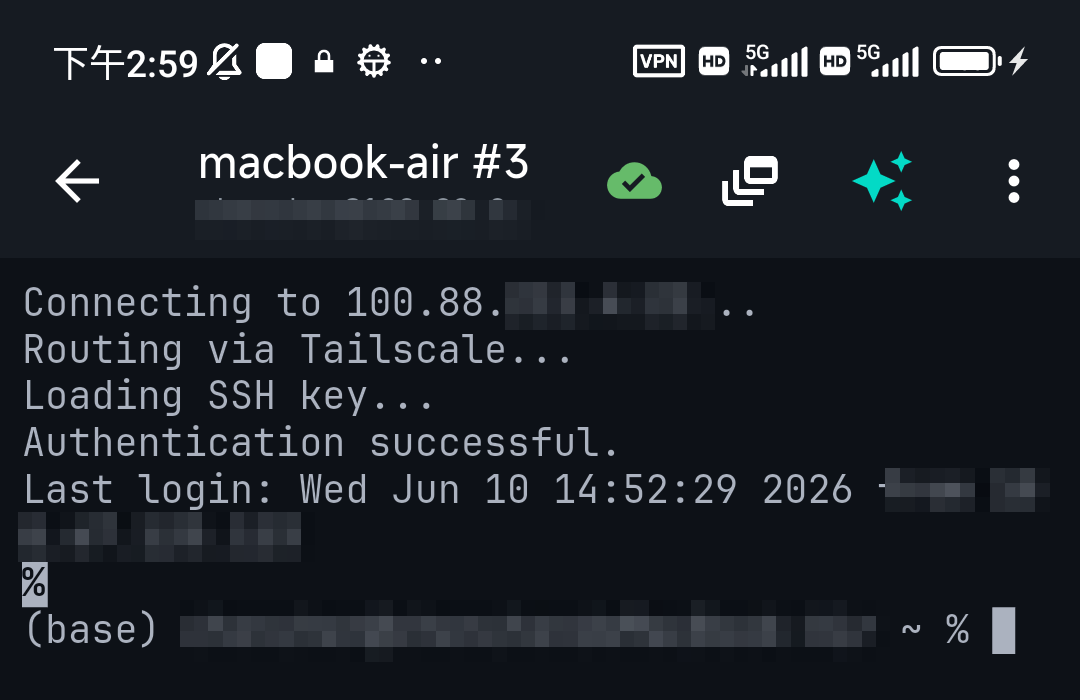
- Use a stable transport. A mesh VPN like Tailscale keeps a consistent private address as you roam, which makes ordinary SSH connections much more reliable without needing mosh on every server. TermAI takes this route — it has built-in Tailscale rather than mosh — so you reach your boxes by a stable address and reconnect quickly, with the bonus of an AI assistant in the terminal.
Which should you use?
- Stable network, need tunnels/SFTP → plain SSH.
- Flaky/mobile connection, you control the server → mosh (e.g. via Blink on iOS).
- Flaky/mobile, want reliability without installing mosh everywhere → SSH over Tailscale (built into TermAI).
FAQ
Is mosh more secure than SSH?
It's not about security — mosh uses SSH for authentication, so it inherits SSH's security. Mosh is about connection resilience and responsiveness, not stronger encryption.
Do I need mosh on a phone?
Only if you want sessions to survive network changes and you can install mosh on your servers. Otherwise, SSH over a stable transport like Tailscale gets you most of the benefit.
Can mosh do port forwarding or file transfer?
No. Mosh is for interactive sessions. Use SSH for tunnels and SFTP/SCP for files.
Quick Facts
- SSH: standard, TCP, tunnels + SFTP; but drops on network change
- Mosh: UDP on top of SSH; survives roaming/sleep, instant typing; needs server install, no tunnels/SFTP
- On iOS with mosh: Blink Shell
- Reliability without mosh: SSH over Tailscale (built into TermAI)
Free on iOS and Android. 5 AI requests/day on the free tier, plus unlimited SSH/SFTP and built-in Tailscale.