AI Command Helper
Describe what you need. AI writes the command. You tap to run.
Manage servers from anywhere with an AI helper that actually understands shell. SSH, SFTP, Tailscale and intelligent monitoring — built for mobile.
Mac & Windows beta → Explore SSH, AI and SFTP in the app →Free: 5 AI requests/day · Paid plans: monthly AI allowances

Inside TermAI
SSH · AI · Android
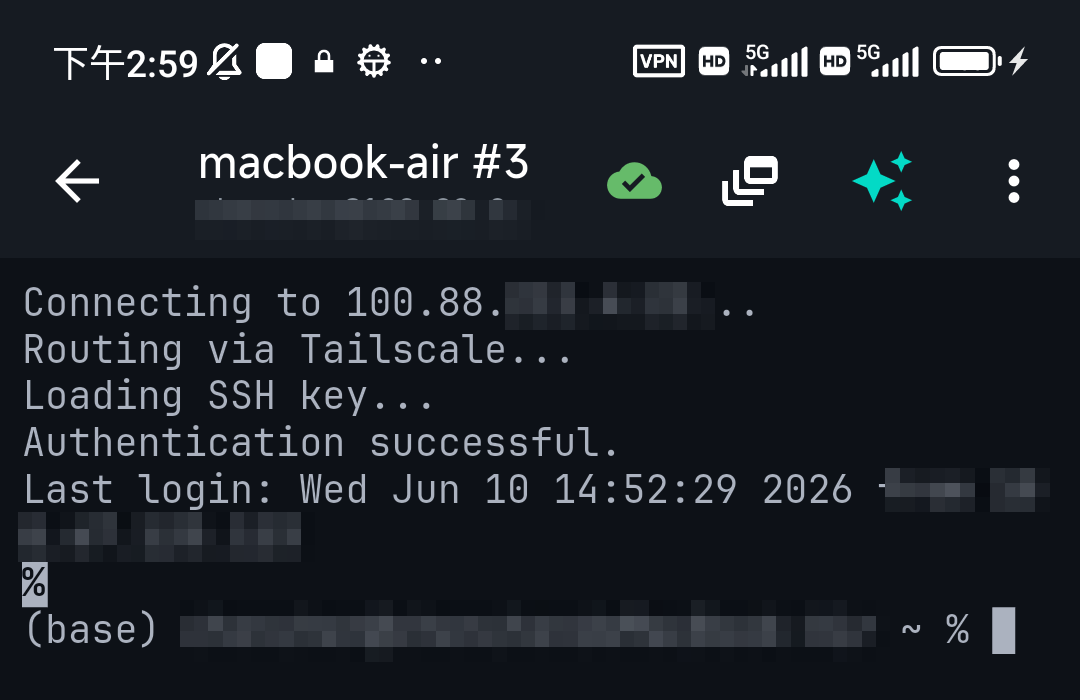
01 · SSH session in the Android app
02 · AI command suggestions in the Android app
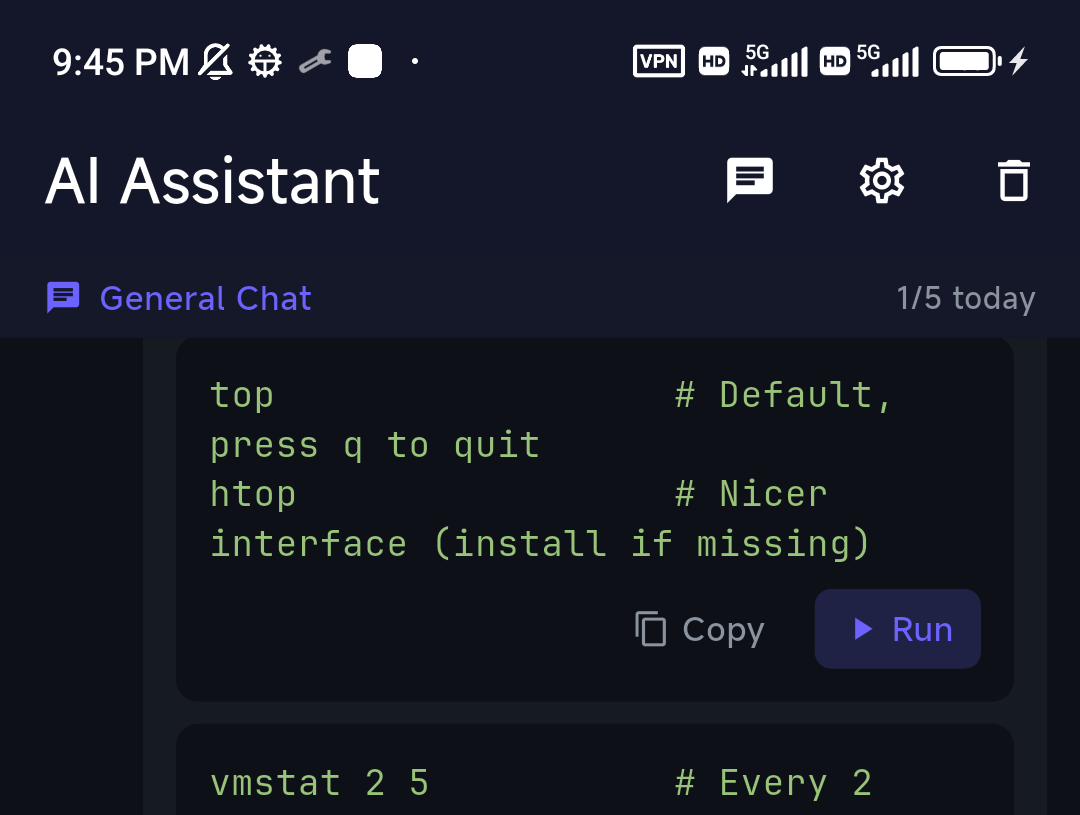
Connect to your server, inspect output and review an AI suggestion before running it.
Describe what you need. AI writes the command. You tap to run.
Auto-answers Y/n, blocks dangerous commands, pings you when long jobs finish.
Reach your tailnet without a separate VPN app. End-to-end encrypted.
Browse, upload, edit remote files. No desktop switch.
SSH configs and AI chat history sync across devices. AES-256 encrypted, opt-in.
From a saved connection to an informed next step. Pick the workflow you need.
Away from your desk when a server needs attention? Open a saved SSH connection and inspect the situation from iPhone or Android.
How it works → 02 · AIWhen a shell command or error is unfamiliar, ask for an explanation and review the next diagnostic step before running anything.
How it works → 03 · SFTPMove a file between your phone and your server without opening a separate desktop file-transfer tool.
How it works →Start with a working SSH connection. Learn how to verify the host, recover from errors and review commands before changing a server.
Actual app components with example data. This is a screenshot-based interface tour, not a recording of a live server or AI response. No sound.
Away from your desk when a server needs attention? Open a saved SSH connection and inspect the situation from iPhone or Android.
How it works →When a shell command or error is unfamiliar, ask for an explanation and review the next diagnostic step before running anything.
How it works →Move a file between your phone and your server without opening a separate desktop file-transfer tool.
How it works →Check current availability, version information and public feedback. Already using TermAI? Share an honest review or send us a feature request.
For personal use
For pros and indie devs
TermAI stores connection information to provide SSH and optional sync. Storage depends on the app build and enabled features; review the Privacy Policy before storing sensitive credentials.
When you invoke AI, the request may include selected output and server context such as recent commands and system information. Requests are processed by AI providers through the managed service or a supported configured provider. Remove secrets before sending.
Not on iOS due to App Store policy. On Android, you can configure an alternative endpoint in advanced settings.
Yes for SSH/SFTP. The AI helper uses our routed proxy. Tailscale is disabled in the China build per local regulations.
macOS and Windows beta downloads are available at termai.sh/desktop. These are desktop test builds, separate from mobile App Store and Google Play releases.
Cancel renewal through the store where you subscribed, or manage a web subscription from your account. Paid access continues until the current billing period ends, then Free limits apply. Cancellation is separate from account deletion. Export important connection settings before changing plans; see the Privacy Policy for data handling.
Download TermAI and handle the alert from your phone.