Android · Google Play
SSH client for Android
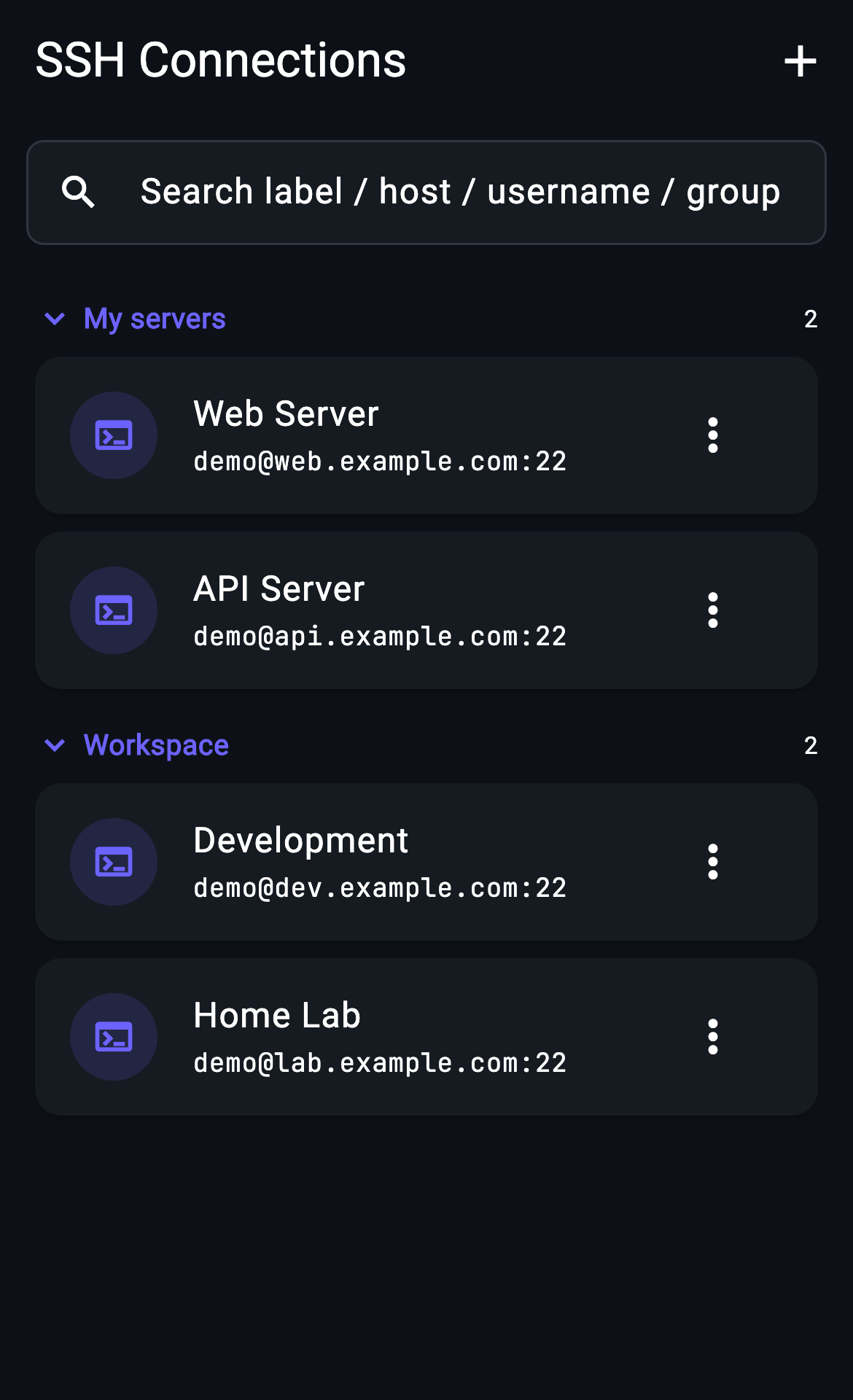
Connect from Android to servers you control. Save SSH hosts, move files with SFTP and review AI command suggestions without needing root.
Start with Free on iOS or Android. Current connection limits, AI allowances and subscription terms are shown in the app before purchase.
How it works
- 01
Install from the official store
Open the Google Play listing and check device compatibility and regional availability. This page links to the Google Play distribution.
- 02
Add a server you control
Enter the host, port and server username. Choose the authentication method permitted by that server; verify its host fingerprint before connecting.
- 03
Confirm the connection works
Start with a read-only check or open the file browser. Remote SSH requires network access and an SSH-enabled server; the app does not create a server for you.
Compatibility and availability
The official store shows supported OS versions and regions. Check the current plan in the app for free limits and paid features; a free tier is separate from any paid trial.
What to expect
Outbound SSH does not require root. This is a remote client, separate from running an SSH server or a local Linux environment on your phone. Network switches can interrupt sessions.
Choose your next server task
Other devices: iPhone & iPad · Mac & Windows beta