Manage servers from your phone
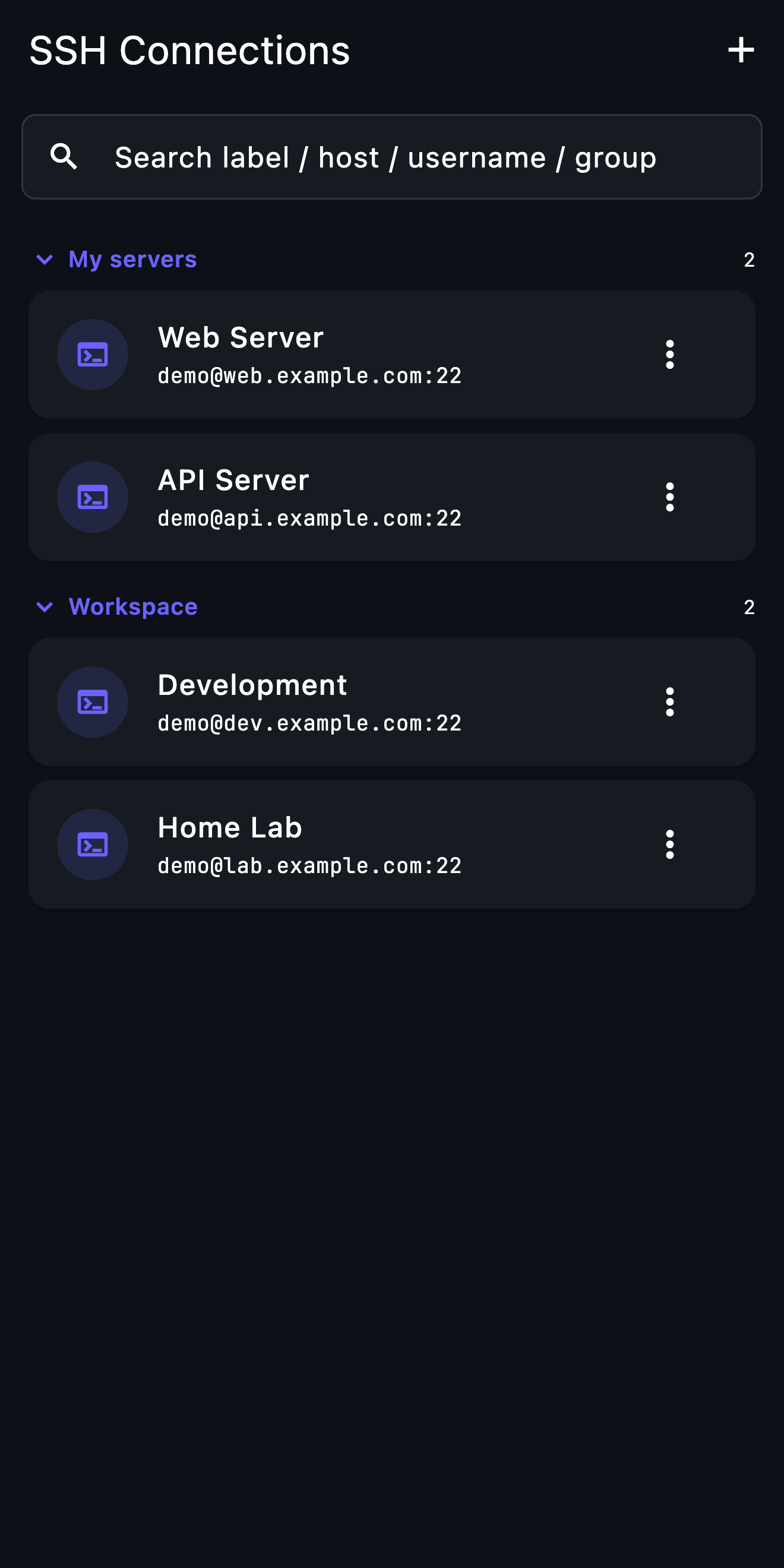
Away from your desk when a server needs attention? Open a saved SSH connection and inspect the situation from iPhone or Android.
Mac & Windows beta →How it works
- 01
Save your server
Add the hostname, port and username for a server you control. Choose password or SSH key authentication.
- 02
Verify the host
Compare the first connection fingerprint with a trusted source. Investigate unexpected host-key changes before continuing.
- 03
Start with a read-only check
Inspect service status or logs before making changes. Save useful commands and return to the connection when needed.
Before you start
An SSH-enabled server, permission to access it and a working route from your phone. For a private host, configure network access first.
What to expect
An internet connection is required. Session behavior depends on your network and operating system; keep critical long-running work in a server-side session manager.
Go deeper
Next step: Setup guide · A quick look inside TermAI