SSH troubleshooting in one table
Almost every SSH failure falls into one of three buckets — the connection never establishes, authentication is refused, or the session drops. The fastest way to fix one is to read the exact error and jump to its cause. This page is a map of every common SSH error, what it means, and the focused guide that fixes it.
Diagnose by symptom
| Error you see | What it usually means | Fix |
|---|---|---|
Connection refused | Machine reachable, nothing listening on that port | Connection refused → |
Connection timed out | No reply at all — wrong IP, host down, or private address from outside | Timed out → |
Connection closed by remote host | Server accepted then dropped — often a fail2ban ban | Closed by remote → |
Permission denied (publickey) | Server refused your auth — key/username/permissions | Permission denied → |
Too many authentication failures | Client offered too many keys; right one never tried | Too many auth → |
UNPROTECTED PRIVATE KEY FILE | Key file readable by others — SSH ignores it | Unprotected key → |
Host key verification failed | Server's identity key changed since last time | Host key changed → |
no matching host key type found | Modern client vs legacy server — algorithm mismatch | No matching host key → |
Broken pipe / client_loop | Idle connection dropped, or the network changed | Broken pipe → |
Connection-level errors (it won't connect)
These happen before authentication — the problem is the network path, not your credentials. The three are easy to tell apart:
- Connection refused — the machine answered "nothing's listening here." sshd is down, wrong port, or a firewall rejecting.
- Connection timed out — no answer at all. Wrong/changed IP, host asleep, or you're trying to reach a private LAN address from outside (the #1 mobile cause).
- Connection closed by remote host — it accepted, then hung up. Usually a fail2ban ban after failed logins, or an overloaded sshd.
Authentication errors (it connects but rejects you)
The connection works; the server won't accept your credentials.
- Permission denied (publickey) — the catch-all: wrong username, key not offered, key not in
authorized_keys, or bad permissions. - Too many authentication failures — your client has many keys and burns the server's limit before the right one. Fix with
IdentitiesOnly. - UNPROTECTED PRIVATE KEY FILE — your private key is world-readable, so SSH ignores it. One
chmod 600.
Host-key and algorithm errors
- Host key verification failed — the server's identity key differs from the one you pinned. Usually a reinstall or reused IP; verify before accepting.
- no matching host key type found — a modern client rejected a legacy server's old algorithms (
ssh-rsa). Scope a compatibility option per host.
Session and other errors
- Broken pipe / client_loop: send disconnect — the connection died, usually idle-dropped by NAT or a network change. Keep-alives fix it.
- Can't "SSH into" a Docker container? — you don't; SSH to the host then
docker exec.
Troubleshooting from a phone
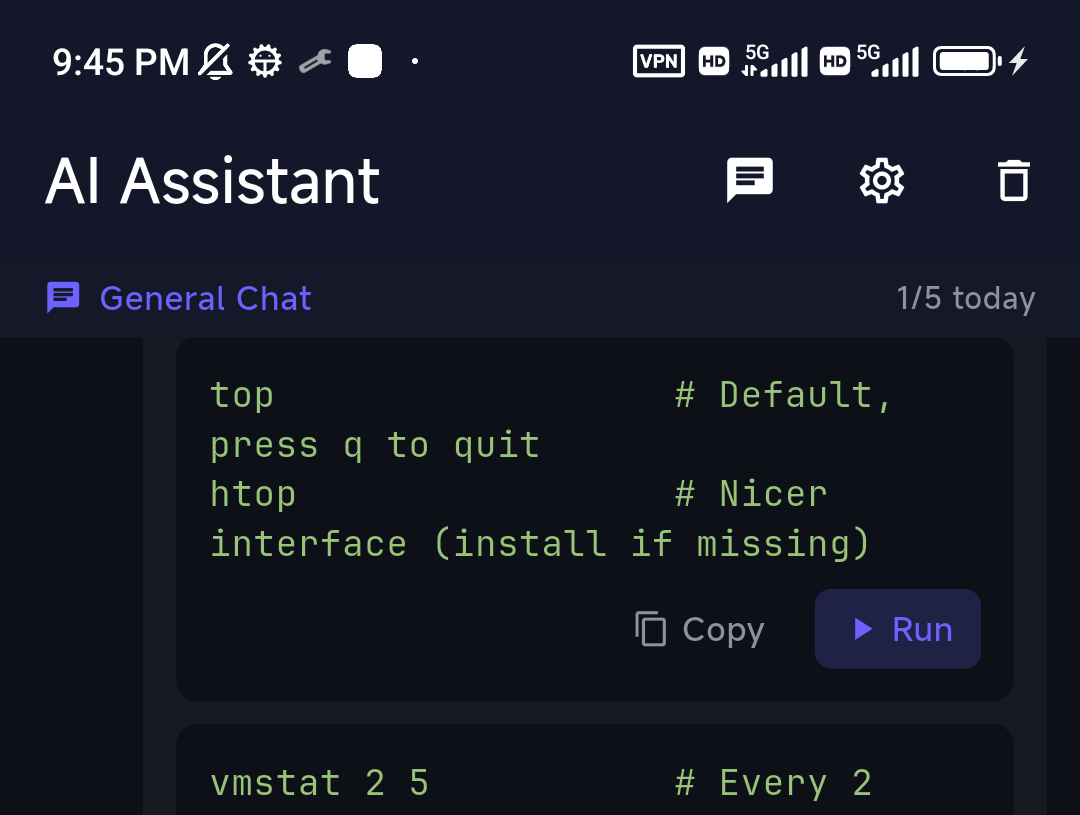
The hard part of SSH errors on mobile is reading verbose output and remembering the diagnostic commands. If you have any working session, select the error and ask the assistant — TermAI's AI reads the actual message and your server context and tells you which cause it is, with the exact command to confirm and fix.
FAQ
How do I troubleshoot an SSH connection?
Read the exact error and classify it: connection-level (refused/timed-out/closed) means a network or server problem; auth-level (permission denied/too many auth) means credentials; host-key errors mean identity or algorithm mismatches. Then follow the focused fix for that error.
What's the difference between refused, timed out, and closed?
Refused = nothing listening. Timed out = no answer at all. Closed by remote host = it answered then dropped you (often a ban).
Why does SSH work at home but not on mobile data?
You're likely connecting to a private LAN address that doesn't exist outside your home network — use Tailscale for a stable address. See timed out.
Where are SSH errors logged on the server?/var/log/auth.log (Debian/Ubuntu) or journalctl -u ssh — it states the real reason for most auth and connection rejections.
Quick Facts
- Three buckets: connection-level (refused/timed-out/closed), auth-level (permission denied/too many auth/unprotected key), host-key/algorithm
- Tell connection errors apart: refused = nothing listening · timed out = no answer · closed = answered then dropped
- Server-side truth:
/var/log/auth.logorjournalctl -u ssh - Mobile: select the error, ask the AI to classify and fix it
Free on iOS and Android. 5 AI requests/day on the free tier, plus unlimited SSH/SFTP and built-in Tailscale.