The short answer
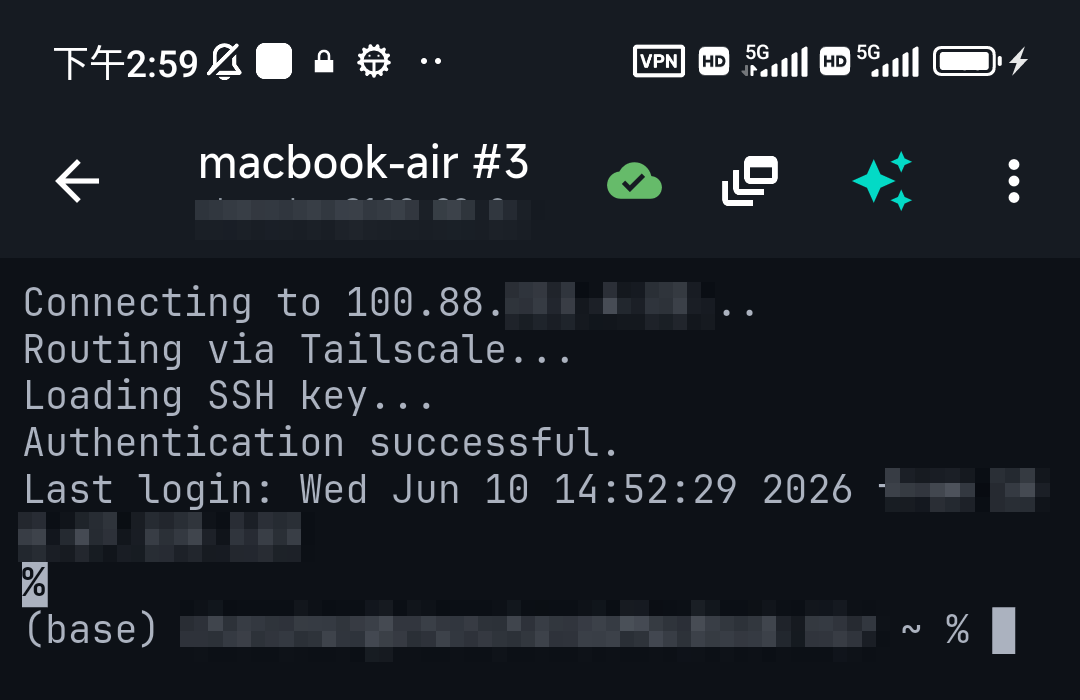
You usually don't SSH into a Docker container — you SSH into the host, then open a shell in the container with docker exec. Containers don't run an SSH server by default (and generally shouldn't: it bloats the image and widens the attack surface). The standard pattern, from a laptop or a phone, is: SSH to the host → docker exec -it <container> bash. This guide covers that, the exceptions where SSH-in-the-container is legitimate, and the common errors.
The standard way: docker exec over SSH
# 1. SSH into the Docker host
ssh user@host

# 2. find the container
docker ps

# 3. open a shell inside it
docker exec -it mycontainer bash
# minimal images may not have bash:
docker exec -it mycontainer sh
That's it — you're at a shell inside the container, with no SSH server inside it. exit returns you to the host. For one-off commands, skip the shell entirely: docker exec mycontainer cat /etc/nginx/nginx.conf.
The two errors everyone hits
OCI runtime exec failed: "bash": executable file not found— the image has no bash (Alpine and distroless images). Useshinstead; truly minimal/distroless images may have no shell at all.container ... is not running—execonly works on running containers. Checkdocker ps -a; if it exited, read why withdocker logs mycontainerfirst.
With Docker Compose
docker compose exec api sh      # service name, not container name
docker compose logs -f api      # and the logs, while you're there
More phone-friendly Docker workflows in managing Docker from your phone.
When SSH inside a container is actually legitimate
A few real cases exist: a container that is an SSH service (a git server, an sftp endpoint, a dev-environment container you expose on port 2222), or platforms where exec access isn't available. Then you run sshd in the image and publish a port (-p 2222:22) — and treat it like any server: key auth only, no root login. For everything else, docker exec is simpler and safer.
From a phone, with less typing
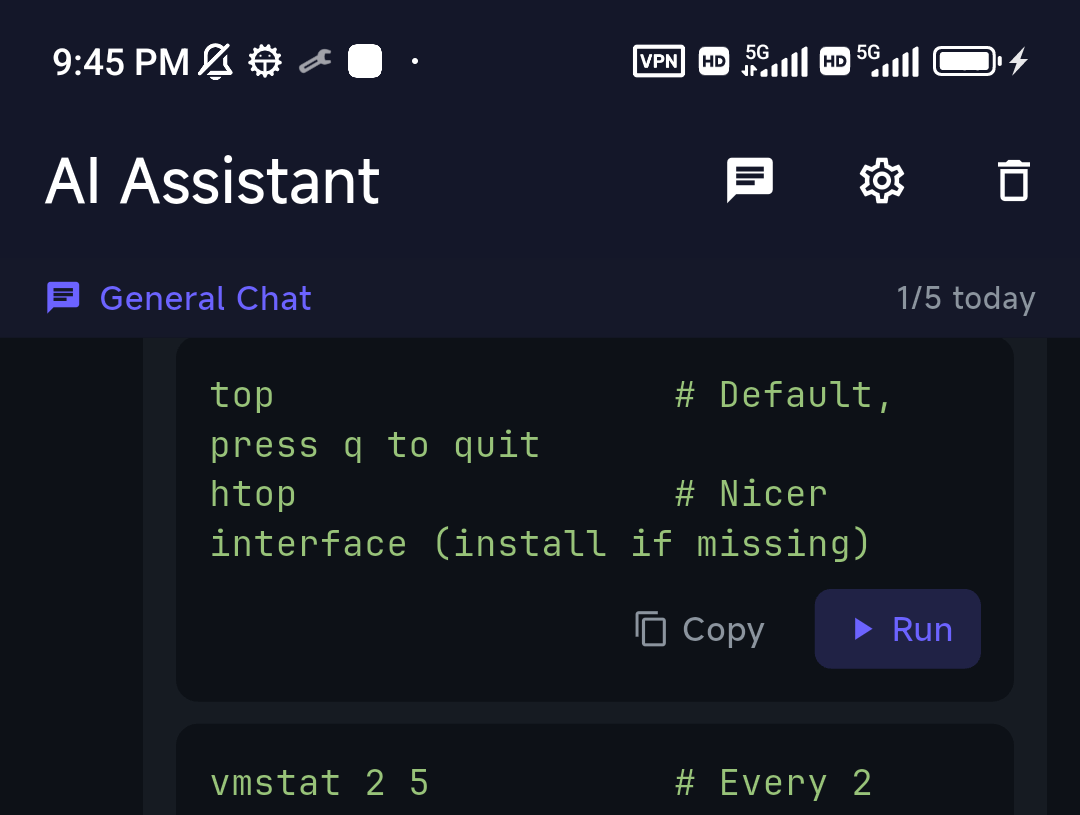
Container names and exec flags are exactly the kind of thing that's annoying to type on a phone. Two things help: save docker ps / docker exec -it … sh as snippets, and ask the assistant — "open a shell in the postgres container" — TermAI suggests the exact command, grounded in the host you're on (it sees your recent output, so it knows the container names from your last docker ps).
FAQ
How do I SSH into a Docker container?
Normally you don't — SSH into the Docker host, then run docker exec -it container bash (or sh). Containers don't run SSH servers by default.
Why does docker exec say "bash: executable file not found"?
The image doesn't include bash (common with Alpine). Use docker exec -it container sh.
Can I exec into a stopped container?
No — exec needs a running container. Use docker logs to see why it exited, or docker run a new one with a shell as the entrypoint to inspect the image.
Should I install sshd in my containers?
Generally no — it bloats the image and adds attack surface. The exceptions are containers whose purpose is an SSH service, or platforms without exec access.
Quick Facts
- Standard pattern: SSH to the host →
docker exec -it <name> bash(orsh) - No bash? Alpine/minimal images: use
sh - Not running?
execneeds a live container —docker logsfirst - sshd in a container: only when the container's job is to be an SSH service
Free on iOS and Android. 5 AI requests/day on the free tier, plus unlimited SSH/SFTP and built-in Tailscale.