What is SSH?
SSH (Secure Shell) is an encrypted protocol for logging into and running commands on a remote computer over a network. When you "SSH into a server," you open a secure, encrypted channel from your device to that machine and get a command-line shell on it — as if you were sitting in front of it. It's the standard way developers and sysadmins manage servers, and it works the same from a laptop or a phone. SSH runs on port 22 by default and replaced older, unencrypted tools like Telnet.
How SSH works, briefly
Three things happen when you connect:
- Identity check (both ways). The server proves who it is with a host key (your client remembers it — that's the fingerprint prompt on first connect), and you prove who you are with a password or, better, an SSH key.
- An encrypted tunnel. The two sides negotiate a shared session key, so everything after — your commands, the output, any files — is encrypted in transit. Nobody on the network can read it.
- A shell (or more). You get an interactive command line on the remote machine. The same connection can also carry file transfers (SFTP/SCP) and tunnels (port forwarding).
What people use SSH for
- Managing servers — start/stop services, read logs, install software, edit configs.
- Running a Raspberry Pi or homelab — headless boxes with no monitor or keyboard.
- Transferring files — securely, over the same connection (SFTP/SCP).
- Tunnelling — forwarding a port through the encrypted channel to reach something privately.
Passwords vs keys
You authenticate to SSH in one of two ways. A password is simple but weaker — it can be guessed or brute-forced. An SSH key is a cryptographic pair: the private half stays on your device and never crosses the network, so there's nothing to steal in transit. Keys are more secure and the recommended choice; you can even turn off password login entirely. See SSH keys vs passwords.
Can you SSH from a phone?
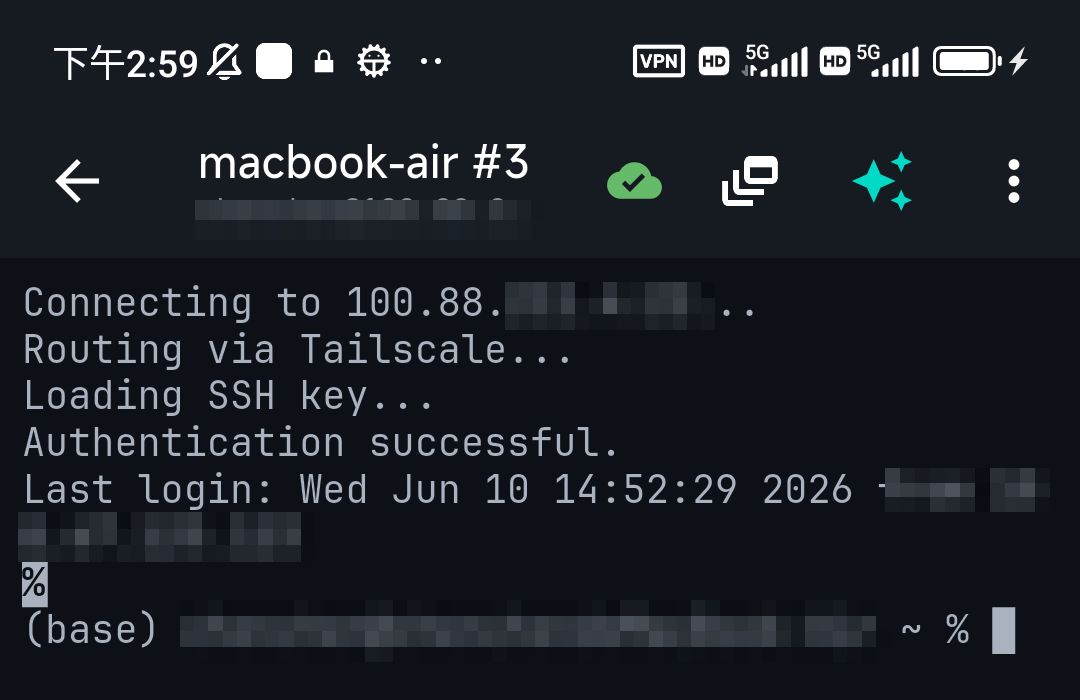
Yes. SSH isn't tied to a desktop — any SSH client app turns a phone into a terminal. You enter the server's address, your username, and a password or key, and you're connected. The screenshots throughout this site use TermAI, a mobile SSH client that adds an AI assistant in the terminal and built-in Tailscale. See how to SSH from your iPhone or from Android.
Is SSH safe?
Yes — SSH is encrypted end to end and is the secure standard for remote access. The weak points aren't the protocol; they're how you use it: a weak password, leaving root login enabled, or exposing it to the whole internet. The fixes are simple: use keys, disable password and root login (how to disable root login), and ideally keep SSH behind a private network like Tailscale rather than open to everyone.
FAQ
What does SSH stand for?
Secure Shell. It's an encrypted protocol for remote login and command execution.
What port does SSH use?
Port 22 by default. You can change it, though that's for quieter logs more than security.
What's the difference between SSH and a VPN?
SSH gives you a secure shell on one specific machine. A VPN puts your device on a private network so you can reach many machines. They're often used together — a VPN like Tailscale to reach a server, then SSH to log into it.
Can I use SSH on a phone?
Yes — an SSH client app gives you a full terminal on iOS or Android.
Quick Facts
- SSH = Secure Shell: an encrypted protocol for remote login and running commands
- Port: 22 by default
- Auth: password or SSH key (keys are more secure)
- Also carries: file transfer (SFTP/SCP) and port forwarding
- On a phone: any SSH client app turns it into a terminal
Free on iOS and Android. 5 AI requests/day on the free tier, plus unlimited SSH/SFTP and built-in Tailscale.