SSH keys vs passwords: the short answer
SSH keys are more secure than passwords, and for anything beyond a quick test you should use them. A password is a shared secret you type on every login — it can be guessed, brute-forced, or phished. An SSH key is a cryptographic pair where the private half never leaves your device, so there's nothing to guess and nothing to send. The strongest setup is keys plus password login turned off entirely.
How each one actually works
Password auth: you and the server both know a secret. Each login sends it (encrypted by the SSH session) for the server to check. Simple, no setup — but the security rests entirely on the secret being strong and never leaking.
Key auth: you hold a private key; the server holds the matching public key. At login the server challenges you to prove you hold the private key — without the key itself ever crossing the network. The private key stays on your device (ideally in a secure keystore); the public key is safe to paste anywhere.
Why keys win on security
- Not brute-forceable. A modern key (Ed25519) can't be guessed the way an 8-character password can.
- Nothing to phish or sniff. The private key never leaves your device, so there's no password to steal in transit or trick out of you.
- You can disable passwords. Once keys work, turn off password auth on the server (
PasswordAuthentication no) and the entire category of password attacks — including the bots hammering port 22 — stops mattering. - One key, many servers. Install one public key on as many machines as you like.
When a password is fine
Passwords aren't evil — they're just weaker. They're fine for a quick one-off connection to a throwaway box, or on a LAN-only machine that's never exposed. For anything you'll use repeatedly, anything on the public internet, or anything that matters, switch to keys.
Setting up keys from a phone
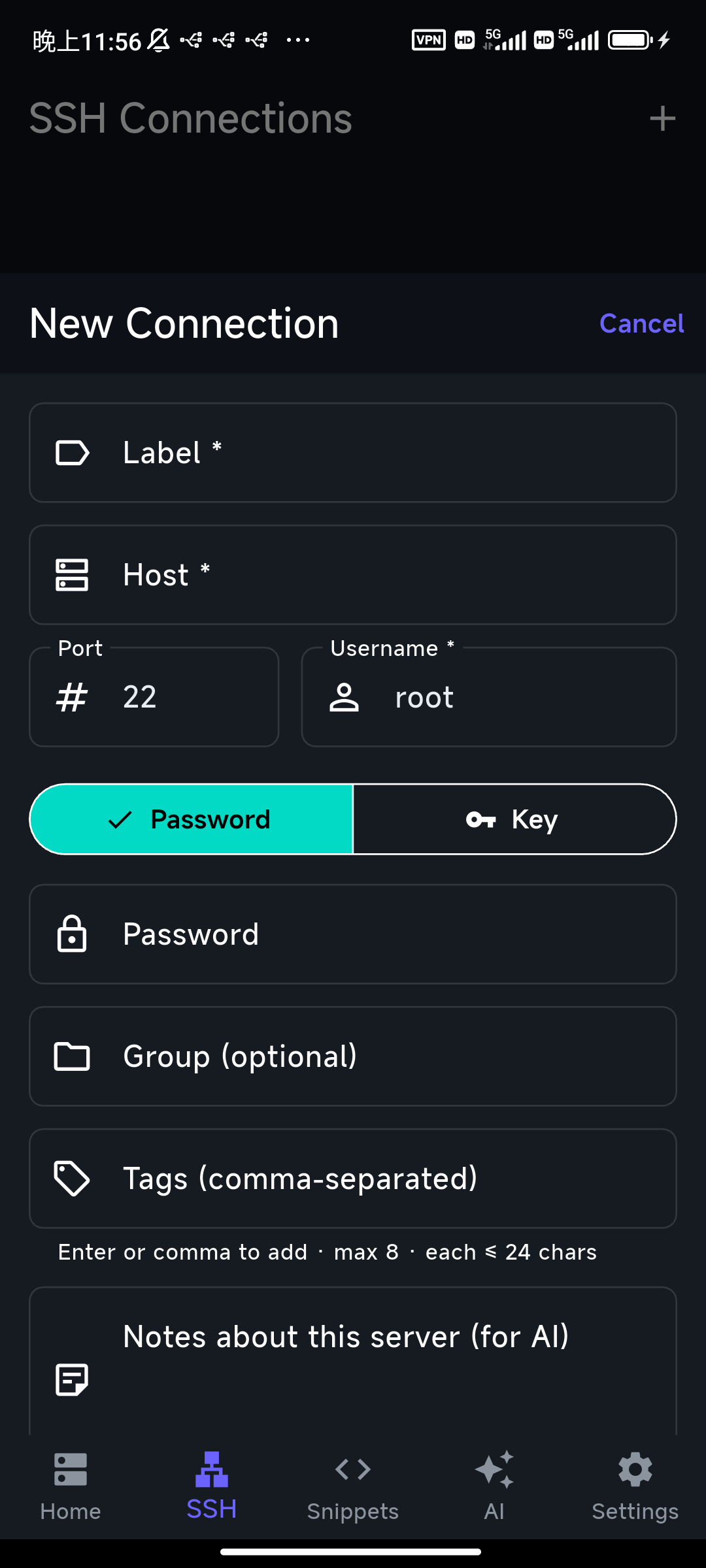
You don't need a computer. A good mobile client generates the key pair on the device, keeps the private key in the secure keystore, and helps you install the public key on the server. In TermAI you generate an Ed25519 key, and if you're already connected it can deploy the public key to the server for you — writing it into ~/.ssh/authorized_keys automatically — so you switch from password to key in a couple of taps.
If you can't remember the exact hardening steps, ask the assistant — "disable password login on this server" — and review the command before running it.
The one real downside of keys
A key is only as safe as the device holding the private half. Protect it: use a device with a secure keystore (or a passphrase on the key), and if you lose the device, remove its public key from your servers' authorized_keys. Moving to a new phone? Generate a fresh key there and add its public key, rather than copying the private key around.
FAQ
Are SSH keys more secure than passwords?
Yes. The private key never travels over the network and can't be brute-forced like a password, and you can disable password login entirely once keys are set up.
Should I disable password authentication?
For any internet-facing server, yes — after confirming key login works in a second session. Set PasswordAuthentication no and restart SSH.
Can I use SSH keys from a phone?
Yes. Apps like TermAI generate the key on the device, store the private half securely, and can deploy the public key to your server.
What key type should I use?
Ed25519 — modern, short, and recommended. Use RSA 4096 only if a server is too old to support Ed25519.
Quick Facts
- More secure: SSH keys (private key never leaves your device; not brute-forceable)
- Best setup: keys +
PasswordAuthentication noon the server - Password OK for: quick one-offs and LAN-only boxes
- Key type: Ed25519
- From a phone: generate + deploy keys in-app (e.g. TermAI's one-tap deploy)
Free on iOS and Android. 5 AI requests/day on the free tier, plus unlimited SSH/SFTP and built-in Tailscale.