Managing Docker from your phone
You don't need a laptop to check on your containers. SSH into the host that runs Docker and you can list containers, read logs, restart a crashed service, and pull updates — all from your phone. This is ideal for a homelab or a small VPS: something breaks, you fix it from the couch or the train. Here's the practical set of commands and how to make it painless on mobile.
Step 1 — SSH into the Docker host
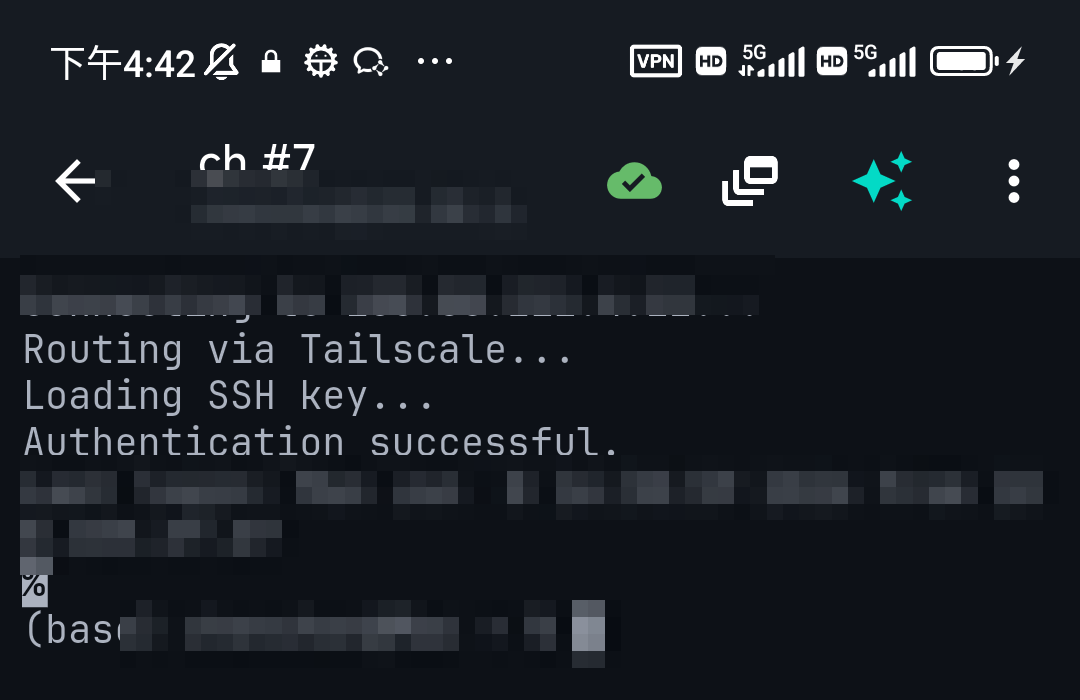
Docker runs on a host (a Raspberry Pi, NUC, or VPS). Connect to that host over SSH from a mobile client (Android / iPhone). Once you're at the shell, you're talking to Docker directly — no special app needed.
Step 2 — The commands you'll actually use
| Goal | Command |
|---|---|
| List running containers | docker ps |
| List all (incl. stopped) | docker ps -a |
| Follow a container's logs | docker logs -f <name> |
| Restart a container | docker restart <name> |
| Shell into a container | docker exec -it <name> sh |
| Resource usage | docker stats |
| Free up space | docker system prune |
Step 3 — Docker Compose stacks
If you run stacks with Compose, cd into the stack's folder and use:
docker compose ps— what's updocker compose logs -f— tail everythingdocker compose pull && docker compose up -d— update to the latest imagesdocker compose restart <service>— bounce one service
Make it easier on a small screen
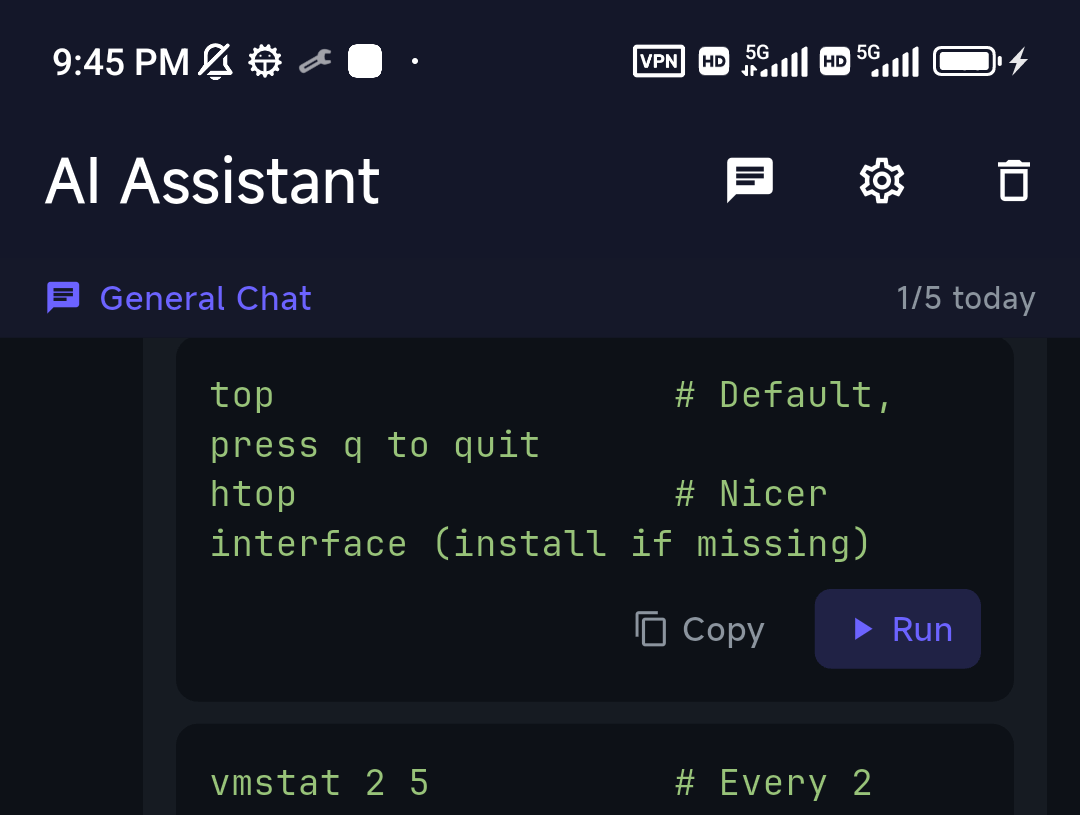
Typing long Docker commands on a phone is the annoying part. Two things help: save your common commands as snippets for one-tap reuse, and lean on an AI assistant. With TermAI you can describe the goal — "show me the logs for the nextcloud container", "which container is using the most memory" — and get the exact command to review and run, which beats remembering flags on a tiny keyboard.
Reading logs without drowning in them
Following logs on a phone is usually miserable — a wall of text scrolling past faster than you can read. TermAI handles this with a dedicated log-stream mode: when you run a follow command like docker logs -f or docker compose logs -f, a toolbar appears with Pause/Resume (so you can stop the flow and actually read), a Filter that searches the last 500 lines and colour-codes errors, warnings, and info, and an AI button that hands the last 100 lines to the assistant for a quick "what's going wrong here?". On a small screen, that's the difference between scrolling forever and finding the error.
Reaching the host when you're out
To manage Docker while away from home, don't expose SSH to the internet. Use Tailscale (built into TermAI) so you reach the Docker host's private address from anywhere. See Tailscale on iPhone.
FAQ
Is there a Docker app for phones?
There are GUI apps that talk to the Docker API, but the simplest and most flexible approach is SSH into the host and use the normal docker CLI — it works with any setup and exposes nothing extra.
Can I manage Portainer from my phone instead?
Yes, Portainer's web UI works on mobile if you have it installed. SSH is the lower-level, always-available fallback that needs nothing pre-installed.
How do I restart a crashed container quickly?docker restart <name>, or for a Compose service docker compose restart <service>.
Quick Facts
- How: SSH into the Docker host and use the normal
dockerCLI - Core commands:
docker ps,docker logs -f,docker restart,docker stats - Compose:
docker compose pull && docker compose up -dto update - On mobile: snippets + an AI assistant beat typing long flags
- Remote: use Tailscale, not exposed SSH
Free on iOS and Android. 5 AI requests/day on the free tier, plus unlimited SSH/SFTP and built-in Tailscale.