Managing Proxmox from your phone
There's no first-class Proxmox mobile app, and the web UI is awkward on a small screen — tiny buttons, a wide layout, and a console that fights touch input. The reliable way to manage Proxmox from a phone is SSH: connect to the host, run a few CLI commands, and you can start a VM, restart a container, or check what's wrong from anywhere. This guide covers the setup and the handful of commands that do 90% of the job.
Short version: install an SSH client (this guide uses TermAI), connect to your Proxmox host as root, and use qm for VMs and pct for containers.
Why SSH beats the mobile web UI
The Proxmox web interface is excellent on a desktop, but on a phone it's a different story: the noVNC console is hard to use with a touch keyboard, panels overflow, and a flaky mobile connection makes the whole UI feel heavy. SSH sidesteps all of it. A shell is light, works fine over mobile data, and the commands are the same ones you'd use on the desktop. For quick operational tasks — "start that VM", "the container hung, restart it" — it's simply faster.
Step 1: SSH into the Proxmox host
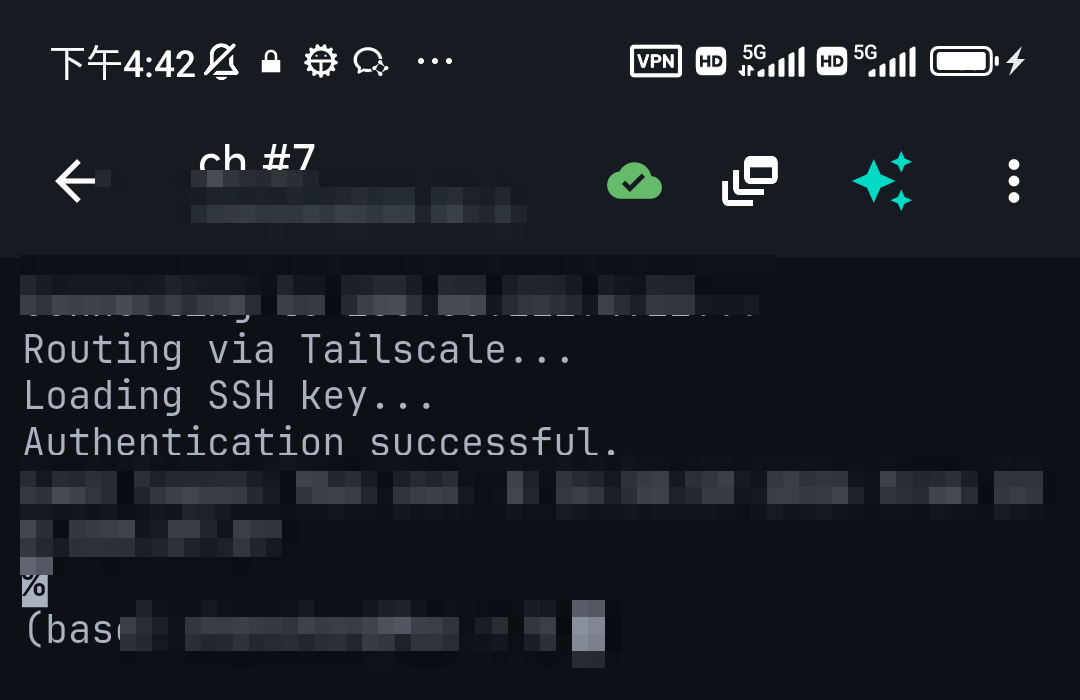
Add a connection to your Proxmox node: the host is its IP or hostname, the username is root, and the port is 22. Authenticate with your root password or, better, an SSH key. Once connected, you're at the node's shell.
Step 2: The commands that do most of the work
Two tools cover the basics — qm for virtual machines and pct for LXC containers:
# List VMs and containers
qm list
pct list

# Start / stop a VM (by ID)
qm start 100
qm stop 100

# Start / stop a container
pct start 101
pct stop 101

# Status and resource use
qm status 100
pvesh get /nodes/$(hostname)/status

# Enter a container's shell
pct enter 101
That covers most on-call needs: see what's running, restart the thing that hung, and check the node isn't out of memory or disk. For storage and cluster details, pvesm status and pvecm status round it out.
Step 3: Let the AI remember the flags for you
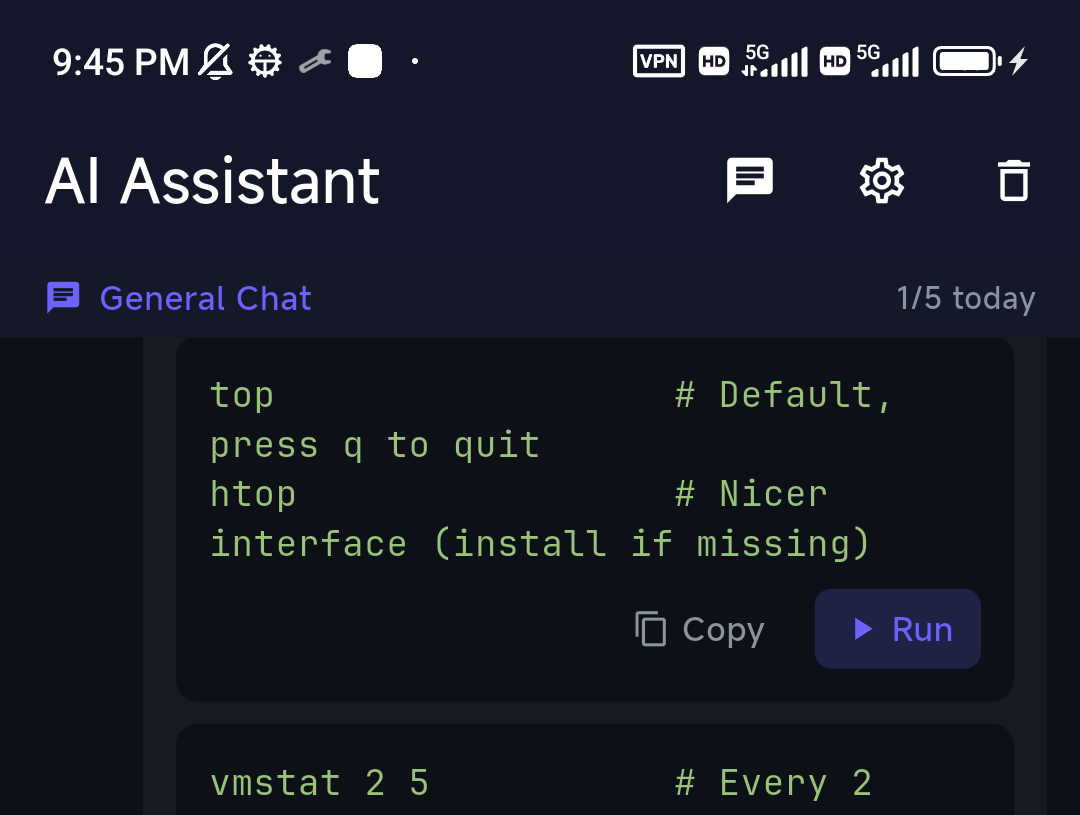
The hardest part of CLI admin on a phone is recalling exact commands and flags. This is where an AI assistant in the terminal helps: ask in plain language and it gives you the command, grounded in the server you're on.
Tailing a service log on a phone
When something on the node misbehaves, you'll often journalctl -fu pve-cluster or follow a VM's log. On a phone that's a fast-scrolling mess — so TermAI drops into a log-stream mode when it sees a follow command: a toolbar with Pause/Resume, a Filter that colour-codes errors and warnings across the last 500 lines, and an AI button that sends the last 100 lines for a quick read of what went wrong. Much nicer than squinting at a live journalctl on a 6-inch screen.
Reaching a Proxmox box behind your home router
If your Proxmox server is at home, your phone on mobile data can't reach it directly. The clean fix is a mesh VPN like Tailscale: install it on the Proxmox host and your phone, and the node gets a stable private address you can SSH to from anywhere — no port forwarding, no exposing the web UI to the internet. TermAI has Tailscale built in, so the phone side needs no separate app.
A note on dangerous commands
Some Proxmox commands are irreversible — qm destroy, pct destroy, wiping storage. On a phone, a fat-finger is easy. Two safety nets help: anything you run through TermAI's AI assistant shows a confirmation before a destructive command executes, and on Pro, ShellMon watches the live session and flags dangerous commands as they appear — both worth having when you're administering a hypervisor from a touchscreen.
FAQ
Is there an official Proxmox mobile app?
No first-class one. There are a few third-party apps and the mobile web UI, but for reliable management most people use SSH from a mobile SSH client.
How do I manage Proxmox from my phone?
SSH into the node as root with an SSH client, then use qm for VMs and pct for containers. It works over mobile data and mirrors the desktop CLI.
How do I reach my home Proxmox server remotely?
Use a mesh VPN such as Tailscale on both the node and your phone, then SSH to its private address. Avoid exposing the Proxmox web UI directly to the internet.
Can I use the Proxmox web console on a phone?
You can, but the noVNC console and wide layout are awkward on a touch screen. SSH is faster for most operational tasks.
Quick Facts
- Topic: managing Proxmox VE from a phone
- Best method: SSH to the node — the mobile web UI is awkward on a touch screen
- Key commands:
qmfor VMs,pctfor containers (list / start / stop / status) - Remote access: use Tailscale on the node and phone; don't expose the web UI publicly
- Safety: the AI assistant confirms before destructive commands run; ShellMon (Pro) flags dangerous commands in the live session
- Client: any SSH app works; TermAI adds AI help and built-in Tailscale
Free on iOS and Android. 5 AI requests/day on the free tier, plus unlimited SSH/SFTP and built-in Tailscale.