How to SSH into Home Assistant
There are two layers to "SSH into Home Assistant," and mixing them up is the usual source of confusion. On Home Assistant OS, you don't SSH into the host directly — you install an SSH add-on that drops you into the Home Assistant environment, where you can edit configs and run ha commands. On Container/Core/Supervised installs, you SSH into the underlying Linux host as normal. This guide covers both, and how to do it from your phone.
Came here for the logs? Jump straight to why ha core logs --tail fails — the short version is that --tail is a Docker flag, and the ha CLI wants ha core logs -n 100 (last 100 lines) or ha core logs -f (follow). Accurate as of Home Assistant 2026.7.
Home Assistant OS — use the SSH add-on
- In Home Assistant, go to Settings → Add-ons → Add-on Store.
- Install "Terminal & SSH" (official) or "Advanced SSH & Web Terminal" (community, more flexible).
- Open the add-on's Configuration tab and set a password or, better, add your SSH public key under
authorized_keys. - Set the port (default
22for the advanced add-on; the official one uses the web terminal plus optional SSH) and Start the add-on.
Now connect from any SSH client to your HA box's IP on that port, username root (advanced add-on) — you land in the Home Assistant shell with the /config folder right there.
Container / Core / Supervised — SSH to the host
If you run Home Assistant in Docker or as a Core install on your own Linux box, there's no add-on layer: just SSH into that host the normal way (host IP, port 22, your user), then work with the container or the config directory directly.
Doing it from your phone
This is where it gets handy — fix your smart home from the couch or while you're out. Install an SSH client (iPhone options / Android options), add a connection to your HA IP and port, and connect.
Useful Home Assistant SSH commands
ha core check— validate your configuration before restartingha core restart— restart Home Assistantha core logs— read the Home Assistant Core lognano /config/configuration.yaml— edit your main configha su update/ha core update— update the supervisor / core
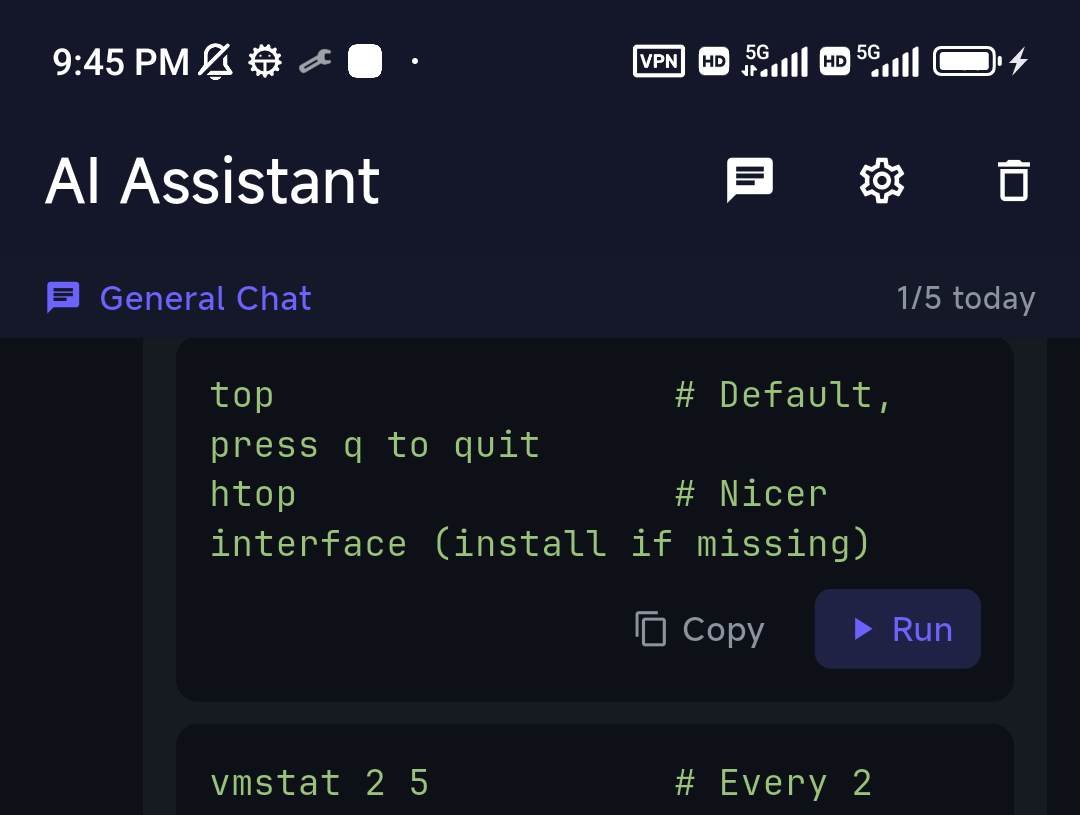
If you don't remember the exact ha subcommand, describe what you want to TermAI's assistant and it'll suggest it — useful when you're debugging from a phone.
"ha core logs --tail" — the flag that doesn't exist
This is the single most common ha mistake, so let's clear it up first: ha core logs --tail is not a valid command. The Home Assistant CLI rejects it with an unknown flag: --tail error. --tail is a Docker flag (docker logs --tail 100); the ha CLI follows journalctl conventions instead, because since Home Assistant 2025.11 the Core log lives in the systemd journal.
The real flags for ha core logs are:
| Flag | What it does |
|---|---|
-n, --lines <n> | Number of log entries to show (this is the "tail" you wanted) |
-f, --follow | Continuously print new log entries (this is tail -f) |
-b, --boot <id> | Logs from a particular boot ID |
-v, --verbose | Return logs in verbose format |
-h, --help | Print the flag list for your CLI version |
So the translation table from muscle memory to the command that actually runs:
| What you want | What you probably typed | What actually works |
|---|---|---|
| Last 100 lines of the HA log | ha core logs --tail 100 | ha core logs -n 100 |
| Follow the log live | ha core logs --tail -f | ha core logs -f |
| Last 50 lines, then follow | ha core logs --tail 50 -f | ha core logs -n 50 -f |
| Only the errors | — | ha core logs -n 500 | grep -i error |
| Logs from one specific boot | — | ha core logs -b <boot-id> |
Two things worth knowing when a flag "doesn't exist": ha is a thin client over the Supervisor API, so the available flags depend on both your CLI and Supervisor version — if -n or -f is rejected, run ha core logs --help to see what your build actually supports, and update with ha su update. And if you insist on --tail semantics, ha core logs -n 200 | tail -50 works fine — it's just a pipe into the real tail.
Tailing add-on, Supervisor and host logs
The other ha log commands take the same flags, so the same -n/-f rules apply:
ha supervisor logs -f— Supervisor log (add-on installs, updates, health checks)ha host logs -n 200— the host system journalha addons logs <slug>— one add-on's log; find the slug under Settings → Add-ons → (add-on) → the URL, e.g.core_ssh. Runha addons --helpif your CLI version names it differently.journalctl -u home-assistant -f— on a Supervised/Core install where you're on the host itselfdocker logs --tail 100 -f homeassistant— on a Container install. Here--tailis correct, because it's Docker's flag, not HA's. There is nohaCLI on a plain Container install at all.
Why /config/home-assistant.log is missing (2025.11 and later)
If you SSH in expecting to tail -f /config/home-assistant.log and the file isn't there, nothing is broken. Home Assistant 2025.11 stopped writing that file on HA OS and Supervised installs and moved Core logging to the systemd journal — which is exactly why ha core logs is now the way to read it. From 2026.1 onward you can opt the file back in:
ha core options --duplicate-log-file=true
ha core rebuild
ha core restart
After that, /config/home-assistant.log is written again and plain tail -f /config/home-assistant.log works. If --duplicate-log-file is itself rejected as an unknown flag, your CLI/Supervisor pair predates the option — run ha su update first. Note this duplicates the log to disk, which is the write amplification the change removed; leave it off unless an add-on (like a log-viewer) needs the file.
When you follow the logs with ha core logs -f (or journalctl -f on a Container host) to watch an automation fire, TermAI switches into a log-stream mode: a toolbar lets you pause the flow, filter the last 500 lines with errors and warnings colour-coded, and hand the last 100 lines to the AI for a quick "why did this automation fail?". A lot less painful than watching HA logs scroll past on a phone.
SSH into Home Assistant from outside your network
Don't forward the SSH port to the internet to reach HA while away — that exposes your smart-home hub. Install Tailscale (there's a Home Assistant add-on for it) on your HA box and your phone, or use TermAI's built-in Tailscale, and you can SSH to Home Assistant by its private address from anywhere. See Tailscale on iPhone.
FAQ
Is ha core logs --tail a real command?
No. There is no --tail flag in the Home Assistant CLI, and the command fails with unknown flag: --tail. Use ha core logs -n 100 for the last 100 lines, or ha core logs -f to follow the log live. --tail belongs to Docker (docker logs --tail), which is where most people pick up the habit.
How do I tail Home Assistant logs over SSH?ha core logs -f on HA OS/Supervised. Combine it: ha core logs -n 50 -f prints the last 50 entries and then keeps following. On a Container install there's no ha CLI — use docker logs --tail 100 -f homeassistant.
How do I show only the last N lines of the HA log?ha core logs -n <N> (long form --lines <N>). It takes an unsigned number, e.g. ha core logs --lines 200.
Why is /config/home-assistant.log gone?
Home Assistant 2025.11 moved Core logging to the systemd journal and stopped writing that file on HA OS and Supervised installs. Read the log with ha core logs, or from 2026.1 onward re-enable the file with ha core options --duplicate-log-file=true, then ha core rebuild and ha core restart.
What are all the ha core logs flags?-n/--lines, -f/--follow, -b/--boot, -v/--verbose and -h/--help. Flag availability tracks your Supervisor version, so ha core logs --help is the authoritative list on your box.
Why can't I SSH directly into Home Assistant OS?
HA OS is a locked-down appliance; the host shell isn't meant for daily use. The SSH add-on gives you a supported shell into the Home Assistant environment instead.
What username do I use?
With the Advanced SSH & Web Terminal add-on it's root. On a Container/Core host, it's your normal Linux user.
How do I SSH into Home Assistant remotely?
Use Tailscale (there's an HA add-on) rather than port forwarding, then connect to HA's private address.
Quick Facts
ha core logs --tailis not valid — useha core logs -n 100(lines) and-f(follow)- HA OS: install the Terminal & SSH or Advanced SSH add-on — don't SSH the host directly
- Container/Core: SSH into the underlying Linux host normally; no
haCLI, usedocker logs --tail 100 -f homeassistant - Key commands:
ha core check,ha core restart,ha core logs -f - Since 2025.11: no
/config/home-assistant.log— logs live in the systemd journal - From a phone: any SSH client; TermAI adds AI help for
hacommands and a log-stream mode - Remote access: Tailscale, not port forwarding
Free on iOS and Android. 5 AI requests/day on the free tier, plus unlimited SSH/SFTP and built-in Tailscale.