Troubleshoot shell output with AI
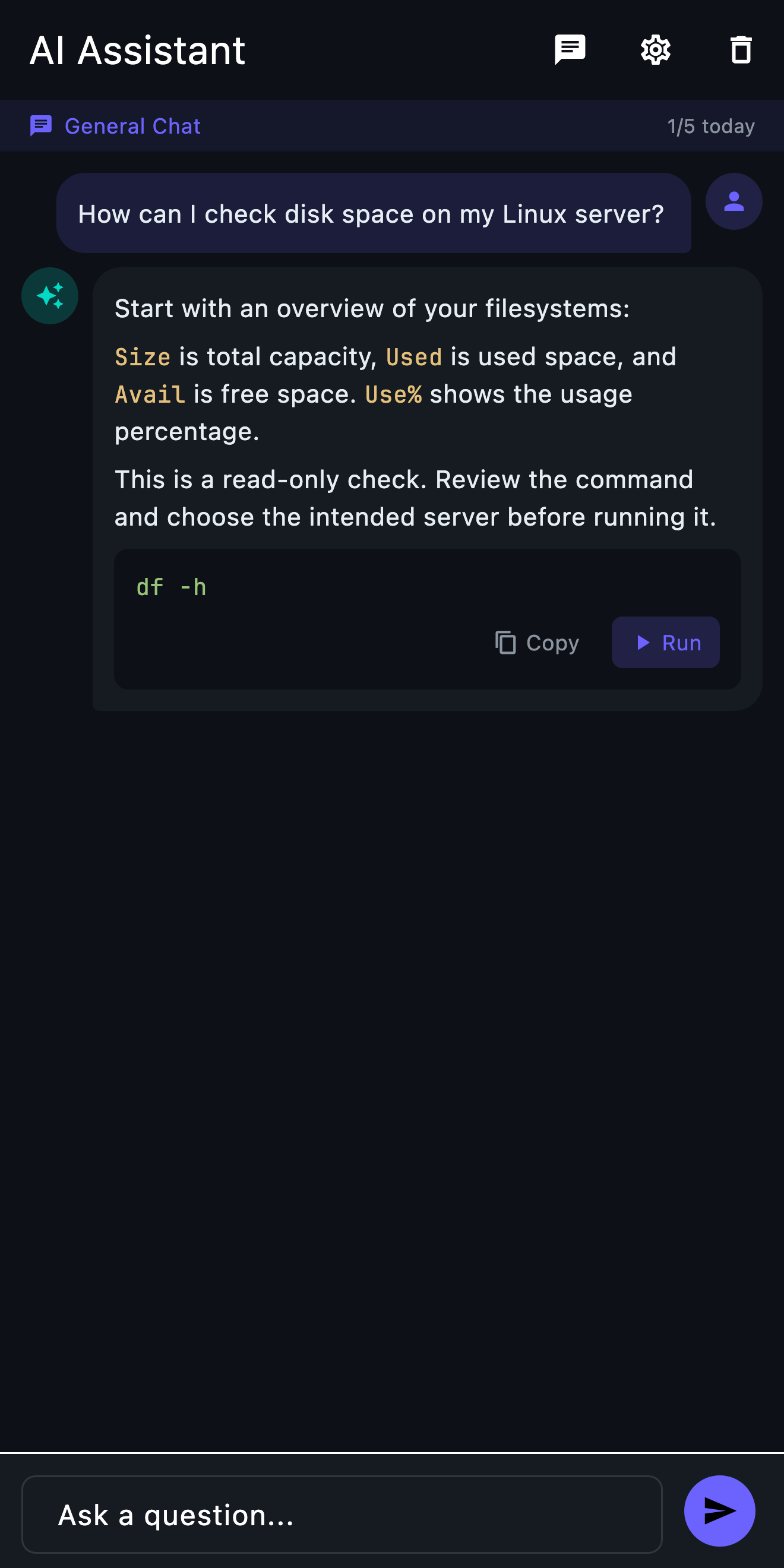
When a shell command or error is unfamiliar, ask for an explanation and review the next diagnostic step before running anything.
Mac & Windows beta →How it works
- 01
Describe the problem
Explain the symptom and provide only the relevant, redacted output. Remove passwords, tokens and private business data.
- 02
Review the suggestion
Read the explanation and inspect every command, target, flag and path. Ask for a read-only diagnostic first.
- 03
Choose what to run
Confirm the intended server and the command’s effect. Run only what you understand, then use the output to refine your question.
Before you start
A TermAI account where required, available AI allowance and network access. Remote commands also require a working SSH connection.
What to expect
AI can be wrong. Requests may include server context such as recent commands or system information and are processed by AI providers. Never treat a suggestion as approval to change production.
Go deeper
Next step: Setup guide · A quick look inside TermAI