The short answer
Some people specifically want an SSH client that isn't developed in or operated from China — usually for data-jurisdiction reasons: a corporate policy, sensitive infrastructure, or government work where it matters which legal jurisdiction can compel access to data. It's a legitimate concern, because an SSH client holds the keys to your servers. The honest way to handle it isn't to trust a flag, though — it's to check, for any app, where your keys live, whether the code is auditable, and where your data goes. This guide gives you those criteria and the independent options that pass them.
Why people ask this
An SSH client is unusually sensitive software: it stores your server addresses, usernames, and private keys, and it can sync them to a vendor's cloud. If you work under a compliance regime (or just don't want your infrastructure credentials sitting in a jurisdiction you can't audit), you reasonably want to know who builds the app and where your data is processed. The same logic applies to any country — the question is really "can I verify where my keys and credentials go?"
How to evaluate any SSH client
Rather than guessing at a company's nationality from an app-store listing, check the things that actually determine your exposure:
- Where do your keys live? The safest answer is on the device only, in the iPhone's Secure Enclave / keychain — not uploaded to a vendor account. Private keys that never leave your phone can't be compelled out of someone's cloud.
- Is it open source? Open code can be audited by anyone, which is the strongest form of "trust but verify." ConnectBot and Blink Shell, for example, are open source.
- Who operates it, and what's the privacy policy? Look for a named company, a real privacy policy, and a clear statement of what telemetry is collected.
- For AI features, what's sent and where? An AI assistant has to send some context to a model. Check what it sends, whether secrets are stripped, and whose servers process it.
Independent options that pass the checks
- ConnectBot (open source) — fully auditable, no account, keys on device. Basic and Android-only, but the transparency is maximal.
- Blink Shell (open source, US) — a polished iOS terminal whose source is public; keys stay on the device.
- Prompt 3 (Panic, US) — a long-standing, independent US developer with a clear privacy stance; no AI.
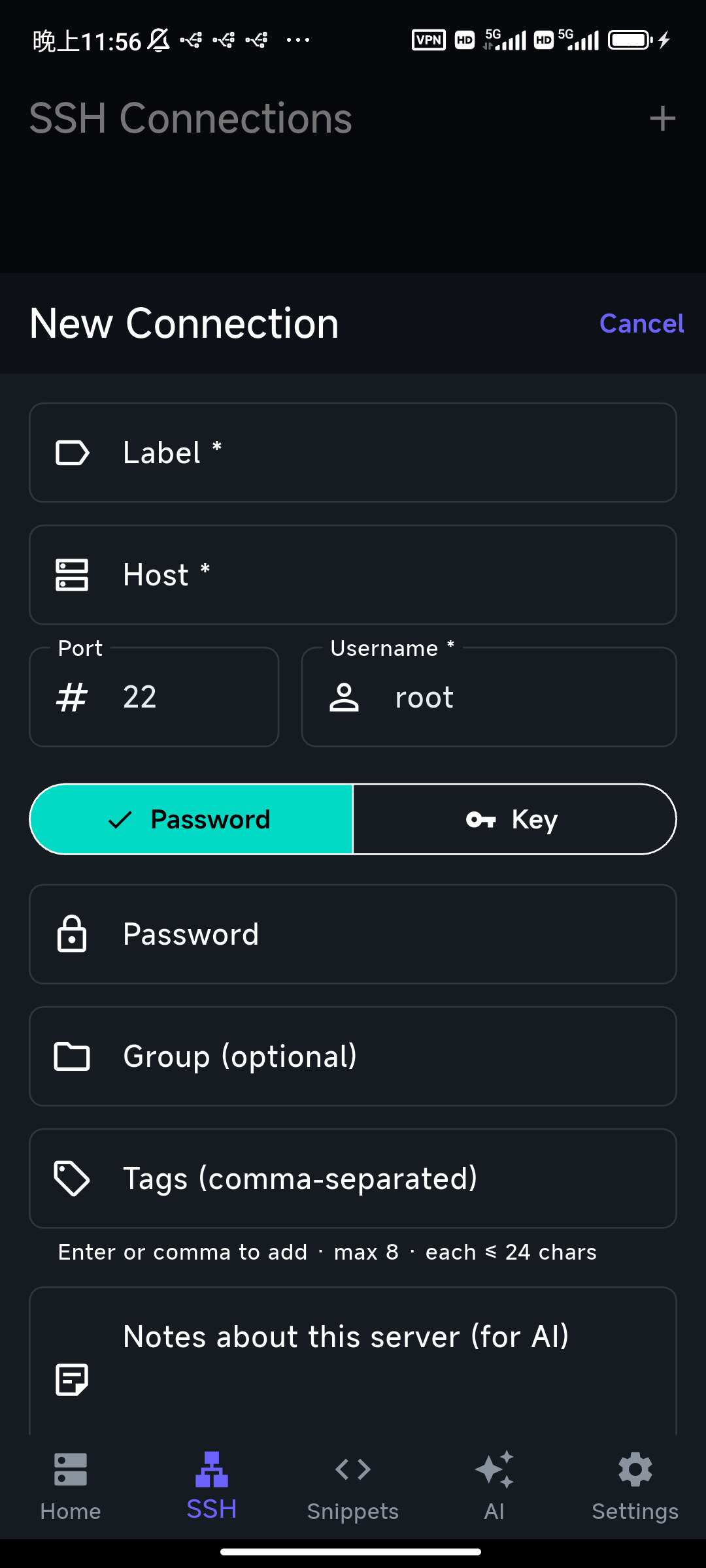
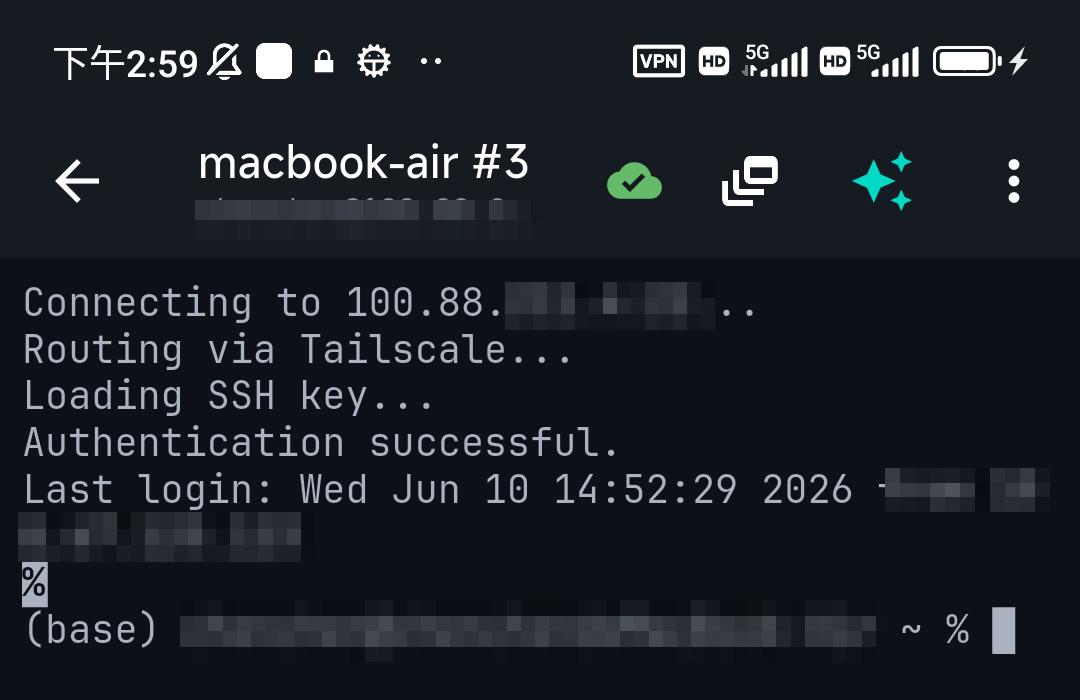
- TermAI (independent team) — built and operated by a small independent team, not a large platform. Your private keys are generated and stored on the device; the AI helper sends only a limited, curated context through a proxy that strips IPs, hostnames, and obvious secrets first, and you can turn context off entirely. It also has built-in Tailscale so you can keep SSH off the public internet.
We won't label specific competitors by nationality here — app-store listings are an unreliable way to determine that, and getting it wrong would be unfair. Apply the criteria above to any app you're considering, including ours.
Where TermAI stands, plainly
To be transparent about our own app: TermAI is independent (no large-platform parent), private keys live in the device keychain and aren't uploaded, and the only thing that leaves the device for the AI feature is a trimmed context with secrets stripped — which you can disable. If your requirement is "auditable by anyone," an open-source client like Blink or ConnectBot is the most provable choice; if you want an independent team plus an AI assistant and on-device keys, TermAI fits.
FAQ
How do I know where an SSH app sends my data?
Read its privacy policy, check whether it's open source, and confirm whether keys are stored on-device or synced to a vendor cloud. On-device keys with no account are the lowest-exposure option.
Which iPhone SSH clients are open source?
Blink Shell is open source on iOS; ConnectBot is open source on Android. Open source lets anyone audit where data goes.
Does TermAI keep my keys private?
Yes — private keys are generated and stored on the device, not uploaded. The AI feature sends only a trimmed, secret-stripped context, and you can turn context off.
Quick Facts
- Real question: can you verify where your keys and credentials go?
- Check: on-device keys, open source, named operator + privacy policy, what AI sends
- Most provable: open-source clients (Blink, ConnectBot)
- Independent + AI + on-device keys: TermAI (keys not uploaded; AI context stripped and optional)
Free on iOS and Android. 5 AI requests/day on the free tier, plus unlimited SSH/SFTP and built-in Tailscale.