Termius vs Ghostty in one line
These two aren't really the same kind of tool. Ghostty is a fast, GPU-accelerated, open-source terminal emulator for macOS and Linux — a great free window to run commands in, but it has no saved hosts, no key manager, no mobile app, and no AI; you just type ssh yourself. Termius is a cross-platform SSH client that manages your hosts and keys, syncs them, and adds SFTP and an AI add-on — best features paid. So comparing them is a bit apples-to-oranges. If you want a fast free desktop terminal, Ghostty. If you want a managed SSH client with sync, Termius. And if you want SSH plus an AI assistant on your phone, TermAI — free tier. Here's the honest breakdown.
Side by side
| Ghostty | Termius | TermAI | |
|---|---|---|---|
| Type | Terminal emulator | SSH client | Mobile SSH client |
| Platforms | macOS, Linux | Windows, Mac, Linux, iOS, Android | iOS, Android |
| Saved hosts + keys | ❌ (run ssh yourself) | ✅ (sync is Pro) | ✅ |
| AI assistant | ❌ | Paid add-on | ✅ free tier |
| Price | Free (open source) | Free tier; Pro ~$9.99/mo | Free tier; Pro $2.99/mo |
| Account | None | Required | Optional |
Ghostty — a fast, free terminal emulator
Ghostty (from Mitchell Hashimoto) is a modern, GPU-accelerated terminal emulator for macOS and Linux. It's genuinely fast, native-feeling, open source, and free with no account — a popular daily-driver terminal. But it's important to be clear about what it is: Ghostty is a terminal emulator, not a connection manager. It gives you a window and a shell; to reach a server you run the ssh command yourself. There's no saved-host list, no key manager, no SFTP browser, no AI, and no mobile app. That's not a flaw — it's a different job. If you're comfortable managing SSH from the command line, Ghostty is a lovely place to do it.
Best for: desktop users who want a fast, free terminal and are happy running ssh themselves.
Trade-off: desktop only, no host manager, no AI, no phone. If you're coming from Warp, see Warp alternatives.
Termius — a managed, cross-platform SSH client
Termius is the opposite end: a full SSH client that manages the connection for you. It saves hosts, keys, and snippets, syncs them across Windows, Mac, Linux, iOS, and Android, and adds integrated SFTP plus an AI assistant. The catch is the price model — sync, SFTP, and AI live behind the Pro subscription (~$9.99/month). Where Ghostty expects you to type ssh user@host every time, Termius gives you a saved list to tap. If you bounce between a phone and a laptop and want one managed client, that's the draw. See more SSH clients compared.
Best for: people who want a managed, synced SSH client across desktop and mobile.
Trade-off: best features are paid. See Termius alternatives.
TermAI — SSH plus an AI assistant on your phone
Ghostty has no mobile app and no AI, so if you want SSH from your phone with an assistant, that's a different tool entirely. TermAI is a mobile-first AI SSH client for iOS and Android. Its free tier includes unlimited SSH, SFTP, built-in Tailscale, and 5 AI requests/day. The AI lives right in the terminal: describe a task in plain English, it suggests the command grounded in your live server, you tap Run to execute — and destructive commands require an extra confirmation.
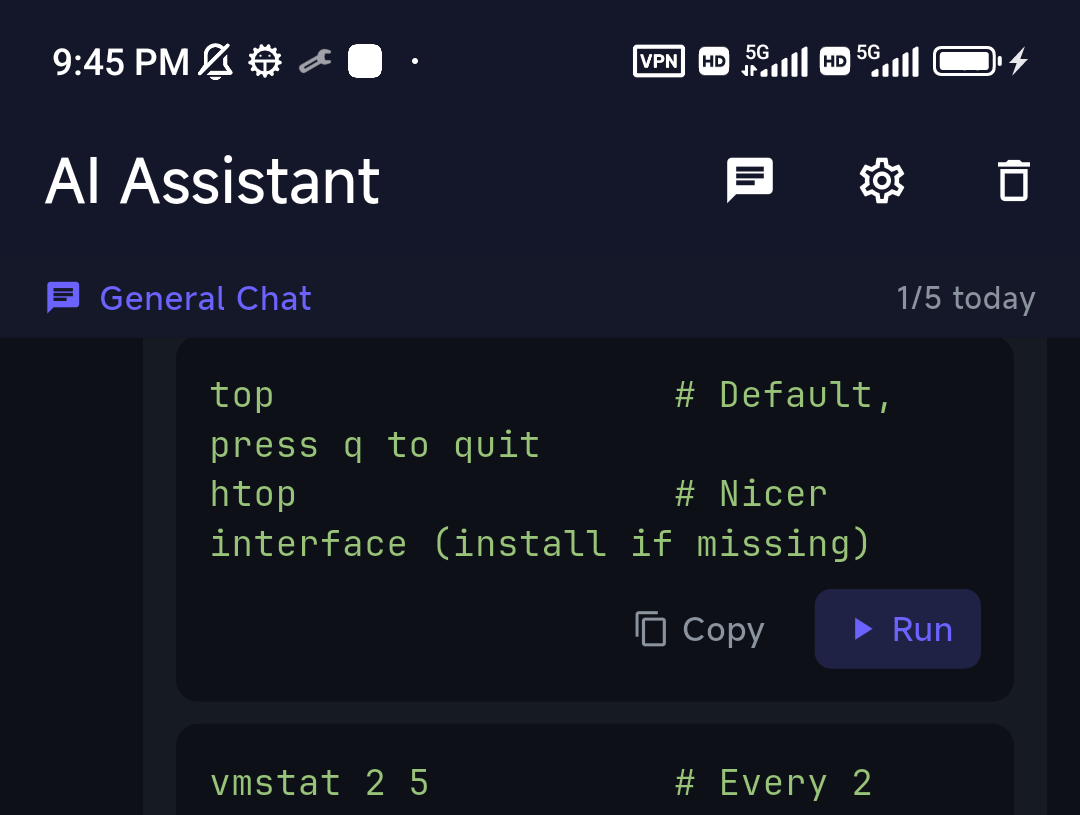
Tapping Run drops the command into the live session — the AI is part of the workflow, not a separate chat window.
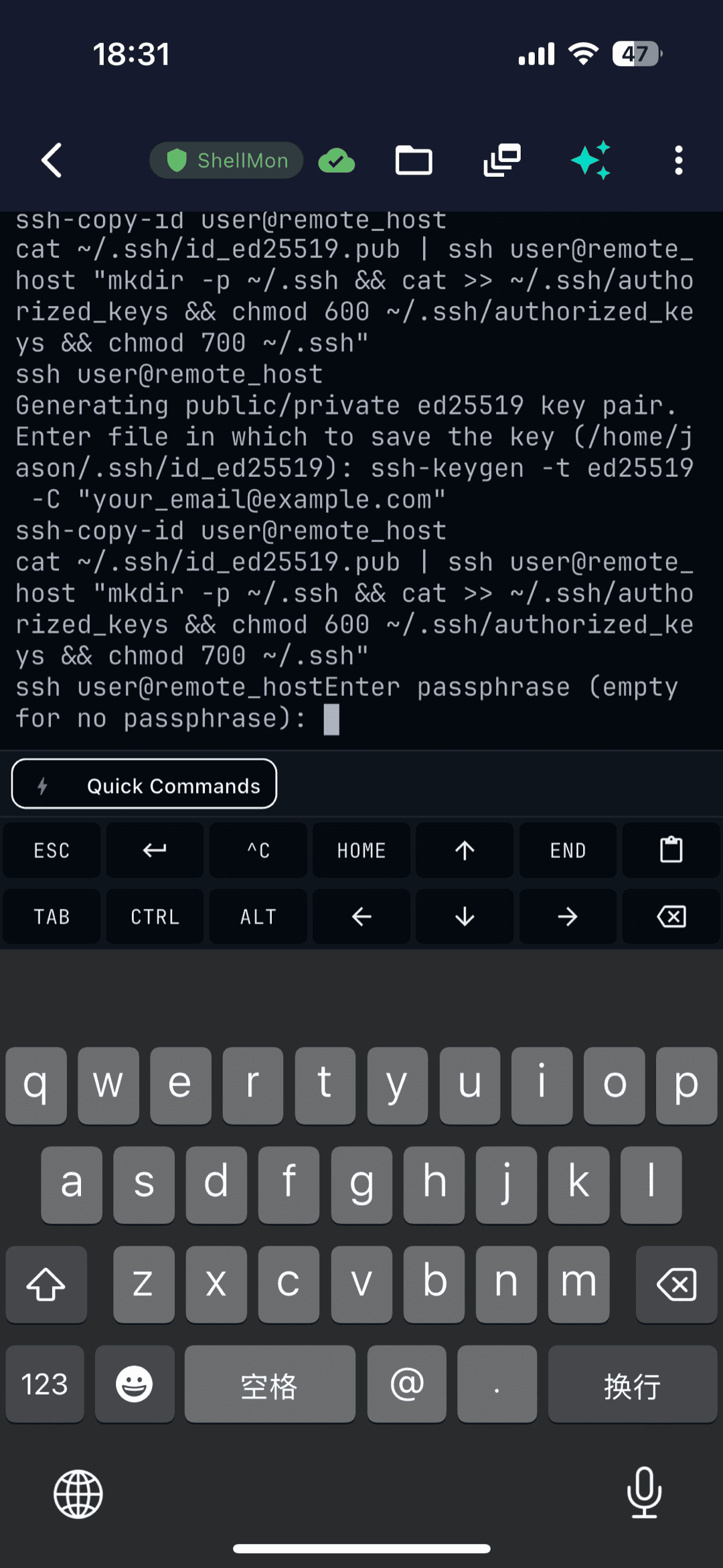
New to SSH on mobile? Start with the visual getting-started guide.
How to pick
- Fast, free desktop terminal, happy to run
sshyourself → Ghostty - Managed, synced SSH client across desktop + mobile → Termius
- SSH + an AI assistant on your phone, free tier → TermAI
FAQ
Is Ghostty an SSH client?
No. Ghostty is a terminal emulator, not an SSH client. It gives you a fast terminal window; to connect to a server you run the ssh command yourself. It has no saved-host list, key manager, or SFTP browser.
Does Ghostty have a mobile app?
No. Ghostty runs on macOS and Linux only — there's no iOS or Android app. For SSH from a phone you'd want a mobile SSH client like Termius or TermAI.
Is there a free Termius alternative with AI?
Yes. TermAI's free tier includes an AI assistant, unlimited SSH, SFTP, and built-in Tailscale across iOS and Android — free where Termius charges for AI.
Should I compare Termius and Ghostty at all?
They solve different problems: Ghostty is a terminal emulator you run ssh inside, while Termius manages your SSH hosts and keys. Pick Ghostty for a fast desktop terminal, Termius (or TermAI) for a managed SSH client.
Quick Facts
- Ghostty: fast, free, open-source terminal emulator (macOS + Linux) — no host manager, no AI, no mobile
- Termius: cross-platform SSH client, sync + SFTP + AI — best features paid
- TermAI: mobile-first AI SSH client — free tier with AI, SFTP, and built-in Tailscale (iOS + Android)
- Pick by: free desktop terminal (Ghostty), managed cross-platform client (Termius), or SSH + AI on your phone (TermAI)
Free on iOS and Android. 5 AI requests/day on the free tier, plus unlimited SSH/SFTP and built-in Tailscale.