What is an AI agent terminal?
An AI agent terminal goes a step beyond suggesting commands: you give it a goal, and it plans and runs a sequence of commands or file edits to achieve it, checking results as it goes. That autonomy is powerful for coding and automation on a machine you trust — and it's exactly why you need to be deliberate about where you point it. This is a map of agentic terminals in 2026, how they differ from assistant-style tools, and where each fits.
Agentic vs assistant: the key distinction
| Agentic | Assistant | |
|---|---|---|
| What it does | Plans + runs multi-step tasks | Suggests; you run |
| Who executes | The AI (with checkpoints) | You, per command |
| Best for | Coding, repos, automation | Ops, production servers |
| Examples | Claude Code, aider, Warp agent | TermAI, Warp suggestions |
Neither is "better" — they're for different risk levels. Letting an agent loop on a code repo you can git reset is reasonable; letting one run unattended on a production database is not.
The agentic tools
- Claude Code — an agentic CLI that plans and edits across a codebase, runs commands, and iterates, with you approving along the way. Strong for real engineering tasks.
- aider — pairs an LLM with your git repo, making commits as it works. Popular for AI-assisted coding from the terminal.
- Warp's agent mode — the desktop AI terminal can take a goal and execute steps, blending assistant and agent.
All of these are desktop workflows on a trusted machine — which is the right place for autonomy.
On a phone, assistant-style is the right model
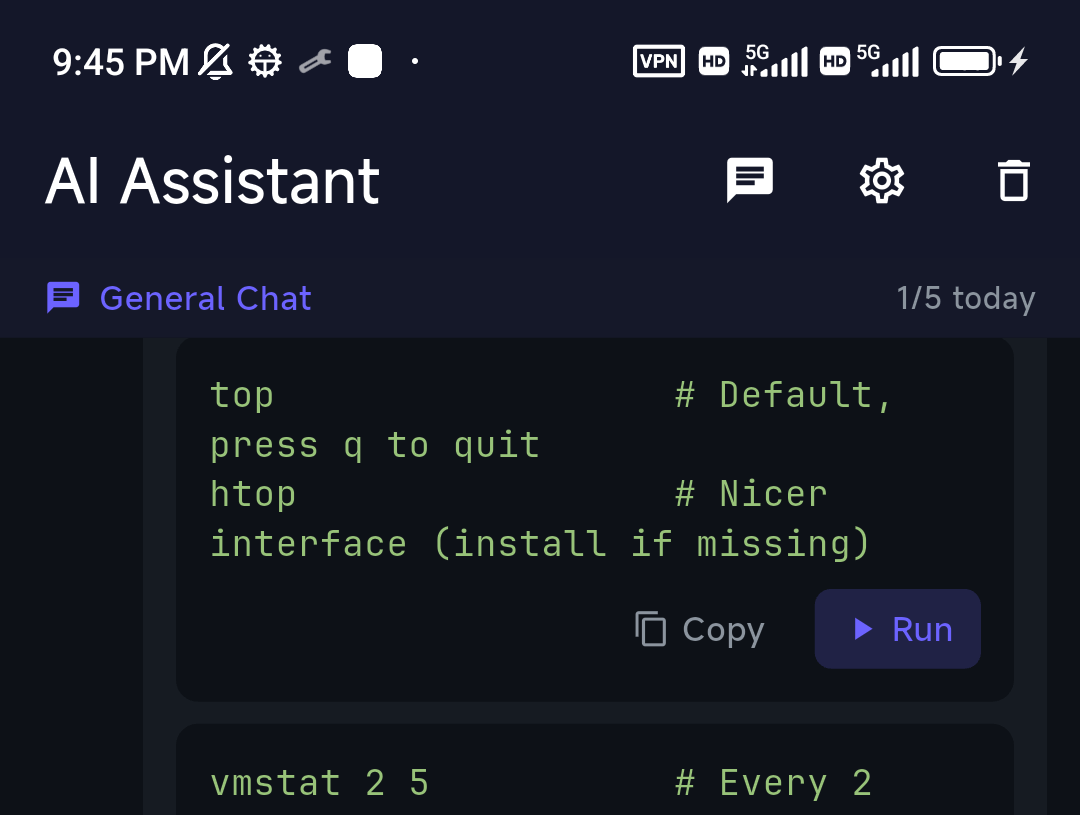
For managing real servers — especially from a phone, on call — full autonomy is the wrong default. You want to read the command before it touches production. That's why TermAI is deliberately assistant-style: it suggests the command, grounded in the live server, and you tap Run — with a hard confirmation before anything destructive. It's the agentic idea (describe a goal in plain language) with the safety that production work on a small screen demands.
Using agents safely
- Point them at reversible work. A git repo, a scratch environment — somewhere a mistake is cheap.
- Keep approval checkpoints on. Don't run fully unattended on anything that matters.
- Mind secrets and blast radius. An agent with shell access can do real damage; scope its credentials.
- For production ops, prefer suggest-then-run. Read the command; you own the outcome.
More on the trust model in can you trust AI shell suggestions?
FAQ
What's the best AI agent terminal?
For coding on a trusted machine, Claude Code or aider. Warp has an agent mode on the desktop. For production server ops — especially from a phone — an assistant-style tool like TermAI (suggest, then you run) is the safer fit.
Can an AI terminal run commands automatically?
Agentic tools can, by design, with checkpoints. Assistant-style tools like TermAI require you to tap Run and confirm destructive commands.
Is it safe to let an AI agent run shell commands?
On reversible work (a git repo, a scratch box) with approval checkpoints, yes. On production systems, prefer suggest-then-run so you read each command first.
Quick Facts
- Agent terminal = AI that plans and runs multi-step tasks (not just suggests)
- Coding/automation: Claude Code, aider, Warp agent — desktop, trusted machine
- Production ops / phone: assistant-style (suggest then run) like TermAI
- Safety: reversible targets, approval checkpoints, scoped credentials
Free on iOS and Android. 5 AI requests/day on the free tier, plus unlimited SSH/SFTP and built-in Tailscale.