AI for sysadmins, honestly
AI is genuinely useful for system administration — not to replace judgment, but to remove the friction of remembering exact syntax, reading walls of log output, and writing boilerplate config. The trick is using it where it helps and keeping a human in the loop where it matters. This is a practical map of the AI tools a sysadmin actually reaches for in 2026, grouped by the job they do.
In the terminal: command help
The highest-frequency win is an AI that turns "what's the command for…" into the actual command, grounded in the box you're on.
- Warp — a desktop AI terminal with suggestions and an agent mode; great at the workstation.
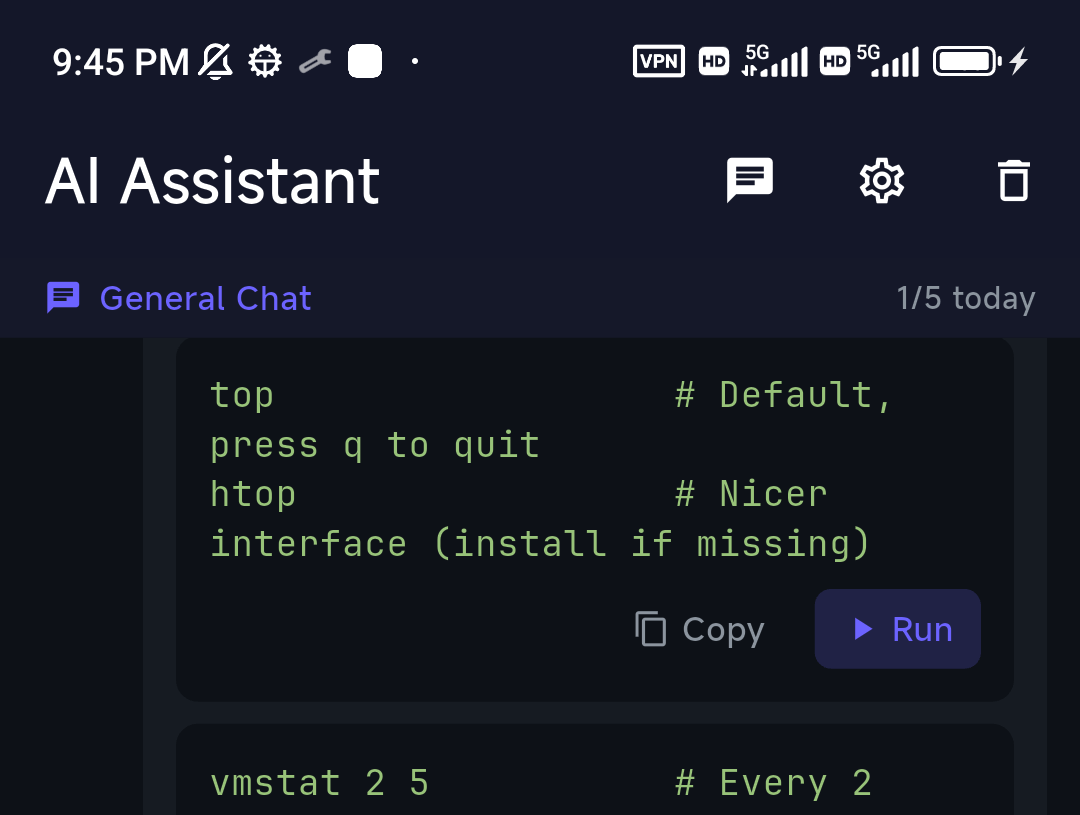
- TermAI — an AI assistant inside a mobile SSH client, which is where command-recall hurts most (you're on a phone, on call, can't type flags). It's grounded in the live server and confirms before destructive commands. See AI SSH clients.
Reading logs and explaining errors
Pasting a failing command or a log snippet and asking "what's wrong?" is one of the most reliable uses of AI for ops. A tool that can take the last 100 lines of a log and summarize the likely cause saves real time during an incident. TermAI's log-stream mode does exactly this for a tailed log; on the desktop, you can paste into any assistant.
Writing scripts and configs
AI is strong at drafting the boilerplate you'd otherwise look up: a systemd unit, an nginx server block, a cron schedule, a bash loop, a Dockerfile. Treat the output as a draft to review — it's a fast first pass, not a final answer. Agentic CLIs like Claude Code and aider go further and can edit files in a repo directly, which suits infrastructure-as-code work on a trusted machine.
Incident response and on-call
On call is where AI earns its keep: you're woken up, you're on a phone, and you need to triage fast. The combination that works is push alert → SSH from the phone → AI for the command you don't remember → run the fix. Built-in Tailscale (so you can reach private boxes) plus an AI assistant turns a phone into a real on-call tool. See managing servers from a phone and self-hosting from a phone.
Where to keep AI on a leash
- Destructive commands. Never let a tool run
rm -rf, partition changes, or firewall edits without you reading them. A good assistant confirms first. - Secrets. Prefer tools that strip credentials before sending context, or run a local model for sensitive environments.
- Blind trust. AI is confidently wrong sometimes. Read the command; you own the outcome.
More on this in can you trust AI shell suggestions?
FAQ
What's the best AI tool for sysadmins?
There isn't one — it depends on the job. For command help in the terminal, an AI terminal (Warp on desktop, TermAI on a phone). For infra-as-code edits, an agentic CLI like Claude Code. For sensitive environments, a local model via Ollama.
Can AI replace a sysadmin?
No. It removes friction — recalling syntax, drafting config, summarizing logs — but judgment, change control, and accountability stay with you.
Is it safe to use AI for server commands?
Yes, if the tool proposes and you dispose: read every command, require confirmation on destructive ones, and keep secrets out of what's sent.
Quick Facts
- Command help: Warp (desktop), TermAI (phone, grounded + confirm)
- Logs/errors: paste-and-explain; TermAI's log-stream AI for tailed logs
- Scripts/config: any assistant for drafts; Claude Code / aider to edit repos
- On call: push → SSH from phone → AI → fix (Tailscale + AI assistant)
- Keep a leash on: destructive commands, secrets, blind trust
Free on iOS and Android. 5 AI requests/day on the free tier, plus unlimited SSH/SFTP and built-in Tailscale.