Termius vs Tabby in one line
Tabby (formerly Terminus) is a free, open-source, highly customizable terminal for the desktop — Windows, Mac, and Linux — with SSH, tabs, and themes. Termius is a polished SSH client that also syncs across desktop and mobile, with paid extras. If you want a free, hackable desktop terminal, Tabby is great. If you want one client that follows you onto a phone and tablet, Termius — or a mobile-first option like TermAI — fits better.
Side by side
| Tabby | Termius | |
|---|---|---|
| Price | Free, open source | Free tier; Pro ~$9.99/mo |
| Platforms | Windows, Mac, Linux | Win, Mac, Linux, iOS, Android |
| Mobile | ❌ none | ✅ iOS + Android |
| Sync across devices | Self-managed config | ✅ built-in |
| Customization | ✅ plugins, themes | Moderate |
| AI assistant | ❌ | Paid add-on |
Tabby — free, open, and hackable
Tabby's appeal is that it's open source and endlessly customizable: a modern tabbed terminal with a plugin system, themes, split panes, and SSH/Serial/Telnet support, all free. It's a favorite for people who want to tweak their desktop terminal without paying. The trade-offs: it's desktop-only (no iOS/Android), and "sync" means managing your own config file across machines rather than a hosted account.
Best for: desktop users who want a free, customizable terminal.
Trade-off: no mobile; no hosted sync.
Termius — polished and synced, including mobile
Termius trades Tabby's hackability for a consistent, synced experience that includes phones and tablets: hosts, keys, and snippets follow you across every device. If you start a session on a laptop and finish it on a phone, that's the draw. The catch is that the genuinely useful features — sync, SFTP, the AI assistant — sit behind the Pro subscription, where Tabby is free. See Termius alternatives.
Best for: people who want one synced client across desktop and mobile.
Trade-off: best features are paid; less customizable than Tabby.
If you mainly want a terminal on your phone
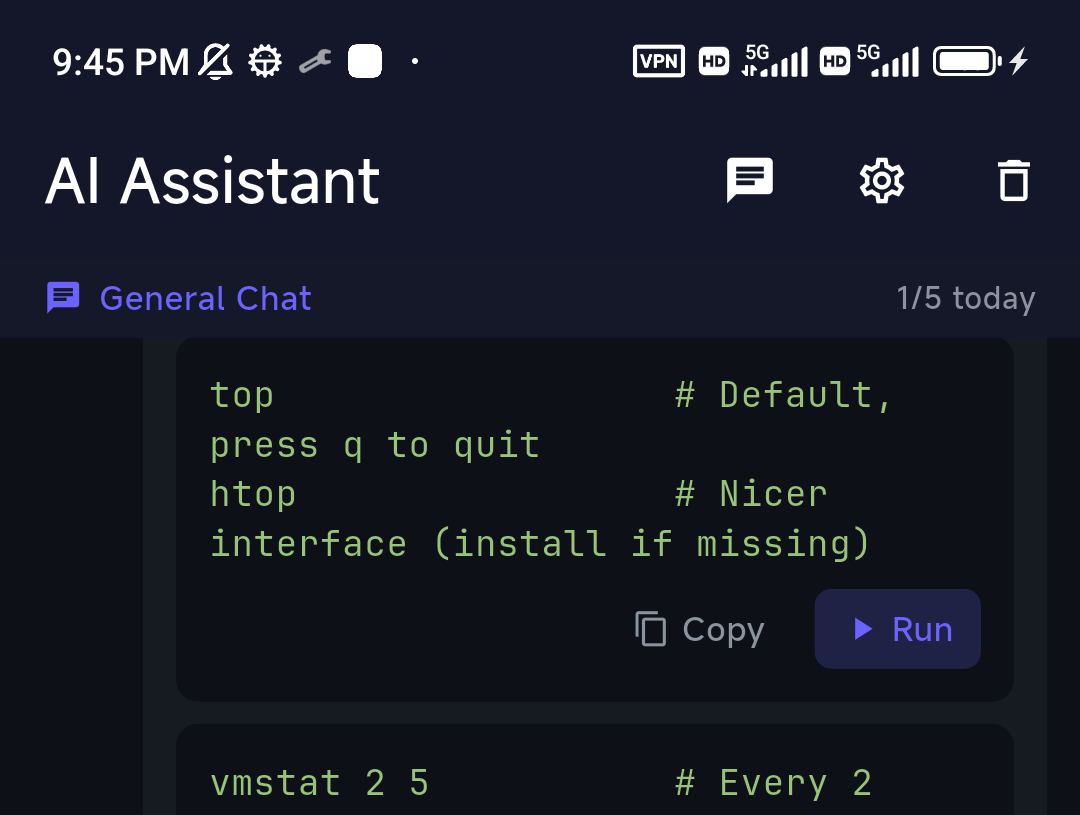
Tabby has no mobile app, so if "Termius vs Tabby" is really about getting a terminal on a phone, a mobile-first client is the answer. TermAI is built for that: an SSH client with an AI assistant in the terminal — open it in a session and it reads the box in real time (OS, live disk/memory/CPU, recent output and commands), so its suggestions fit your server. It also has built-in Tailscale and a free tier, on iOS and Android.
How to pick
- Free, open-source, hackable desktop terminal → Tabby
- One synced client across desktop + mobile → Termius
- A terminal with AI on your phone → TermAI
FAQ
Is Tabby better than Termius?
For a free, customizable desktop terminal, yes. For cross-platform sync and mobile, Termius wins. They optimize for different users.
Does Tabby work on iPhone or Android?
No — Tabby is desktop only (Windows, Mac, Linux). For mobile, use Termius or TermAI.
Is Tabby free?
Yes, Tabby is free and open source. Termius has a free tier with a paid Pro plan for sync and advanced features.
Quick Facts
- Tabby: free, open-source, customizable desktop terminal (Win/Mac/Linux), no mobile
- Termius: cross-platform SSH client with sync incl. mobile; best features paid
- For phones: TermAI — mobile-first, AI grounded in the live server, built-in Tailscale, free tier
Free on iOS and Android. 5 AI requests/day on the free tier, plus unlimited SSH/SFTP and built-in Tailscale.