Termius vs Warp: they're not the same kind of tool
This comparison trips people up because Termius and Warp solve different problems. Termius is an SSH client — its job is to connect to and manage remote servers, on desktop and mobile. Warp is an AI-powered terminal for your local machine — a modern replacement for the macOS/Linux terminal, with AI baked in. You can SSH from Warp, but it isn't a connection manager, and it's desktop-only. If you want AI in a terminal on your phone, neither is the answer — that's a mobile AI SSH client like TermAI.
Side by side
| Termius | Warp | |
|---|---|---|
| What it is | SSH client / server manager | AI terminal for your local machine |
| AI | Paid add-on | ✅ AI-native |
| Manages remote hosts | ✅ host list, keys, sync | ❌ (it's your local shell) |
| Platforms | Win, Mac, Linux, iOS, Android | macOS, Linux, Windows |
| Mobile | ✅ iOS + Android | ❌ desktop only |
Termius — manage and connect to servers
Termius is for people who maintain remote machines: it keeps a list of hosts, stores keys, syncs across devices, and runs on phones as well as desktops. Its AI command assistant is a paid add-on. If your day is "connect to these 12 servers and run things," Termius is built for that.
Best for: managing many remote servers across devices.
Trade-off: AI and best features are paid. See Termius alternatives.
Warp — a smarter local terminal
Warp reimagines the desktop terminal: block-based output, a modern editor-like input, and AI that turns natural language into commands and explains errors. It's genuinely great — but it's about your local shell on a Mac or Linux box. There's no host manager and no mobile app, so it's not a replacement for an SSH client when you're managing remote servers or working from a phone.
Best for: developers who want an AI-native terminal on their desktop.
Trade-off: desktop only; not a remote-server manager.
Want Warp's AI, but on your phone?
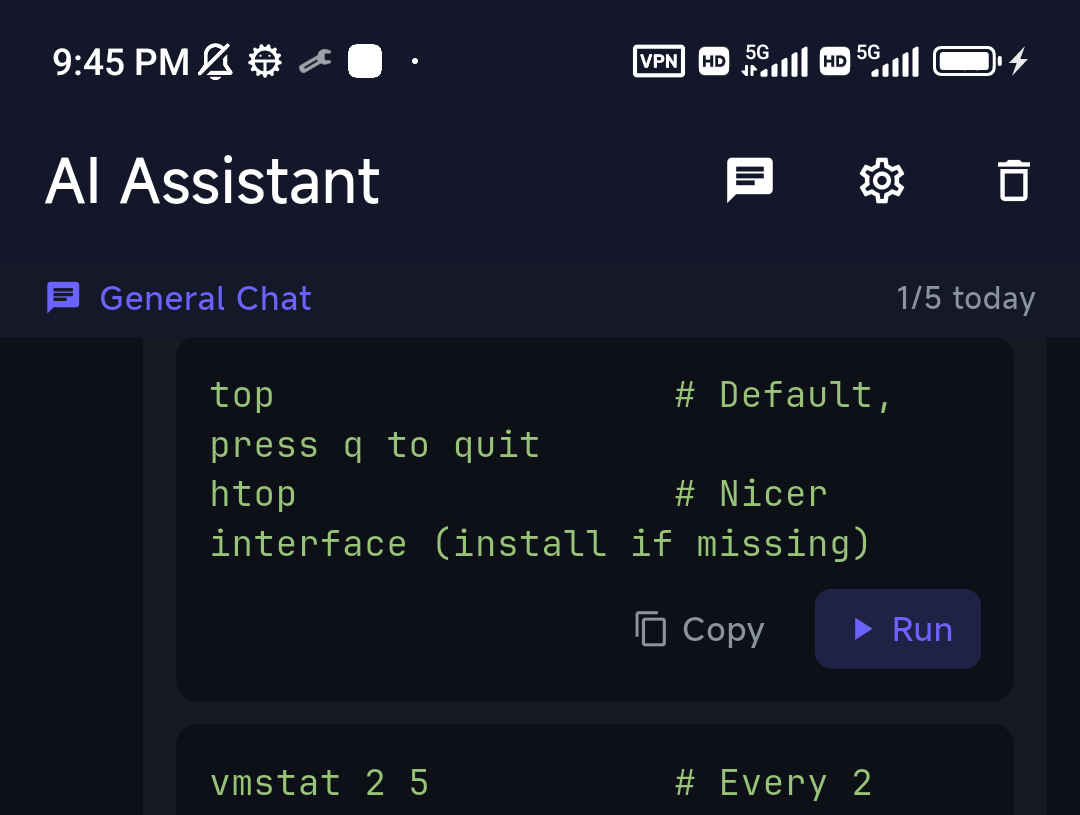
Many "Termius vs Warp" searches really mean "I want Warp's AI experience for SSH, ideally on mobile." That's a third category: a mobile AI SSH client. TermAI is exactly that — an SSH client with an AI assistant in the terminal (describe a task, get a command to review and run), plus built-in Tailscale and the same app on iOS and Android, with a free tier. It's the bridge between "Termius for managing servers" and "Warp's AI" — on a phone.
How to pick
- Manage remote servers, desktop + phone → Termius
- AI terminal for your local Mac/Linux → Warp
- AI + SSH on a phone → TermAI
FAQ
Is Warp an SSH client?
Not really. Warp is a terminal for your local machine that can run the ssh command, but it has no host manager and isn't designed to organize and connect to many remote servers.
Does Warp work on iPhone or Android?
No, Warp is desktop only (macOS, Linux, Windows). For AI in a terminal on mobile, use a mobile AI SSH client like TermAI.
Does Termius have AI like Warp?
Termius has an AI command assistant, available as a paid add-on. It's an SSH client first; Warp is AI-terminal first.
Quick Facts
- Termius: SSH client / server manager, cross-platform, AI is a paid add-on
- Warp: AI-native terminal for the local desktop, no host manager, no mobile
- Different categories: connecting to servers vs improving your local shell
- For AI + SSH on a phone: TermAI (iOS + Android, free tier)
Free on iOS and Android. 5 AI requests/day on the free tier, plus unlimited SSH/SFTP and built-in Tailscale.