Should you change the SSH port?
Changing SSH off port 22 is worth doing for one honest reason: it dramatically cuts the noise of automated bots hammering port 22, which makes your logs readable. It is not real security — it's security by obscurity, and a determined attacker just scans for the new port. So change it to quiet the noise, but don't mistake it for protection. The actual protection is SSH keys plus disabling password login (keys vs passwords). This guide covers the honest case and the how-to.
What moving the port does and doesn't do
- Does: drops the constant brute-force login attempts from broad internet scans, so
auth.logstops being a wall of failed root logins. Genuinely nice for sanity and for fail2ban signal-to-noise. - Doesn't: stop a targeted attacker — a port scan finds the new port in seconds. It also doesn't help at all once someone can reach the service.
If your servers are on a Tailscale tailnet and not exposed to the public internet at all, you arguably don't need to change the port — nothing untrusted can reach SSH in the first place. See Tailscale on iPhone.
How to change the SSH port
- Edit the config: in
/etc/ssh/sshd_config, setPort 2222(pick anything above 1024 that's free). - Open it in the firewall before you restart, or you'll lock yourself out:
sudo ufw allow 2222/tcp(and remove 22 once the new port works). - Restart SSH:
sudo systemctl restart ssh. - Reconnect on the new port — keep your current session open and test the new one in a second connection before closing the first.
Critical: never restart SSH on a new port without opening it in the firewall first, and always test the new port in a second session while the old one is still alive. Locking yourself out of a remote box is the classic mistake here.
Doing it from a phone
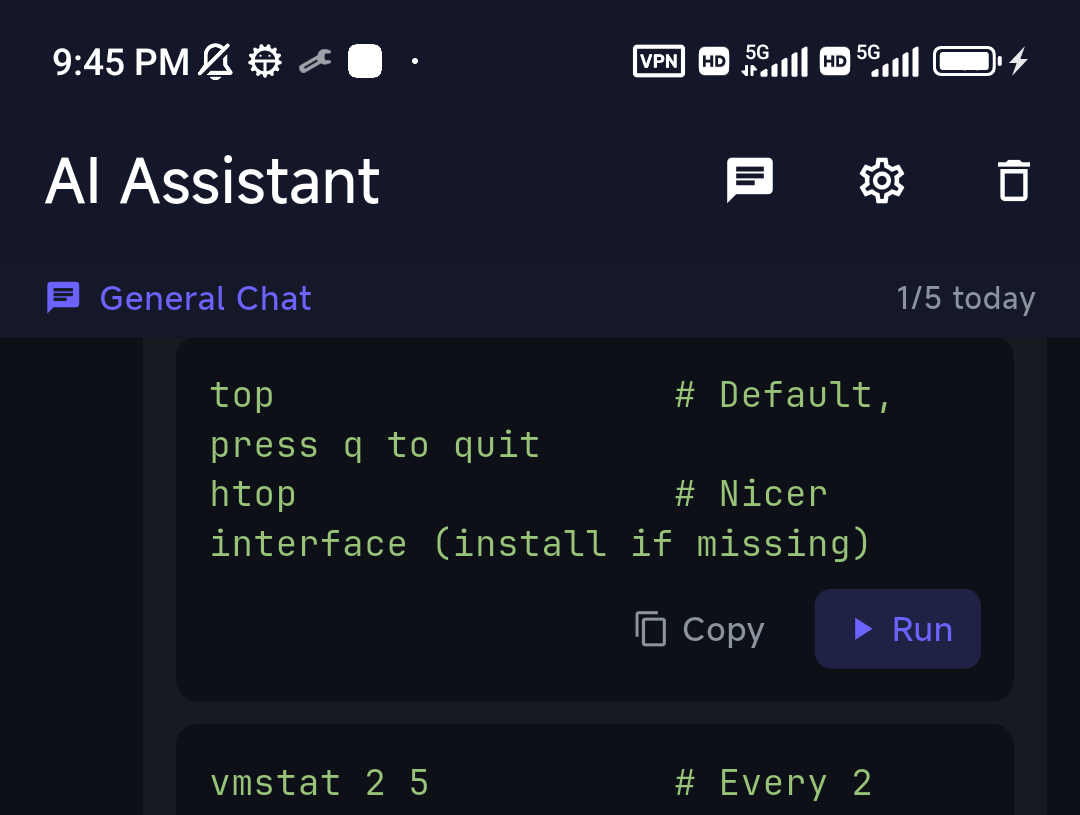
You can do the whole thing from a mobile SSH client: edit sshd_config over SFTP (or with nano in the terminal), then reconnect with the new port number in the connection's Port field. If you're unsure of the exact firewall command for your distro, ask TermAI's assistant — "open port 2222 in the firewall" — and review the command it gives you before running it.
What actually secures SSH
Changing the port is the least important of the real steps. In order of impact:
- Key authentication and then
PasswordAuthentication no— kills password attacks entirely. - Disable root login —
PermitRootLogin no; log in as a user andsudo. - fail2ban — bans IPs after repeated failures.
- Don't expose SSH at all — put it behind Tailscale/WireGuard so only your devices can reach it.
- Then, optionally, change the port — for quieter logs.
FAQ
Does changing the SSH port improve security?
Only marginally. It cuts automated scan noise but doesn't stop a targeted attacker. Real security comes from keys, disabling password login, and not exposing SSH publicly.
What port should I move SSH to?
Any free port above 1024 (e.g. 2222). Avoid common service ports. Update your firewall to match.
How do I avoid locking myself out?
Open the new port in the firewall before restarting SSH, and test the new port in a second session while the old one is still connected.
Quick Facts
- Changing the port: cuts bot noise; it's obscurity, not real security
- How:
Portinsshd_config→ open in firewall → restart → reconnect on new port - Don't lock yourself out: open the firewall first, test in a second session
- Real security: keys +
PasswordAuthentication no+ no root + behind Tailscale
Free on iOS and Android. 5 AI requests/day on the free tier, plus unlimited SSH/SFTP and built-in Tailscale.