What fail2ban does for SSH
fail2ban watches your auth logs and temporarily bans an IP address after too many failed login attempts — so the bots brute-forcing your SSH get blocked at the firewall instead of hammering away forever. It's a useful layer of defense, but be clear about its place: if you've already switched to SSH keys and disabled password login, those brute-force attempts can't succeed anyway. fail2ban is defense-in-depth and log-noise reduction, not your first line. Set up keys first (keys vs passwords), then add fail2ban on top.
Step 1 — Install fail2ban
sudo apt update && sudo apt install fail2ban   # Debian/Ubuntu
# RHEL/Fedora: sudo dnf install fail2ban
It starts with sensible defaults, but you should set your own config in a jail.local so package updates don't overwrite it.
Step 2 — Configure the SSH jail
Create /etc/fail2ban/jail.local:
[sshd]
enabled  = true
port     = ssh
maxretry = 5
findtime = 10m
bantime  = 1h
That reads as: ban an IP for 1 hour after 5 failed logins within 10 minutes. For repeat offenders you can raise bantime (some people use a day, or escalate with bantime.increment = true). If you moved SSH off port 22, set port to your real port.
Step 3 — Restart and verify
sudo systemctl restart fail2ban
sudo fail2ban-client status sshd
The status line shows currently banned IPs and totals. To release an address you banned by mistake (for example, your own after a few fat-fingered logins):
sudo fail2ban-client set sshd unbanip 203.0.113.10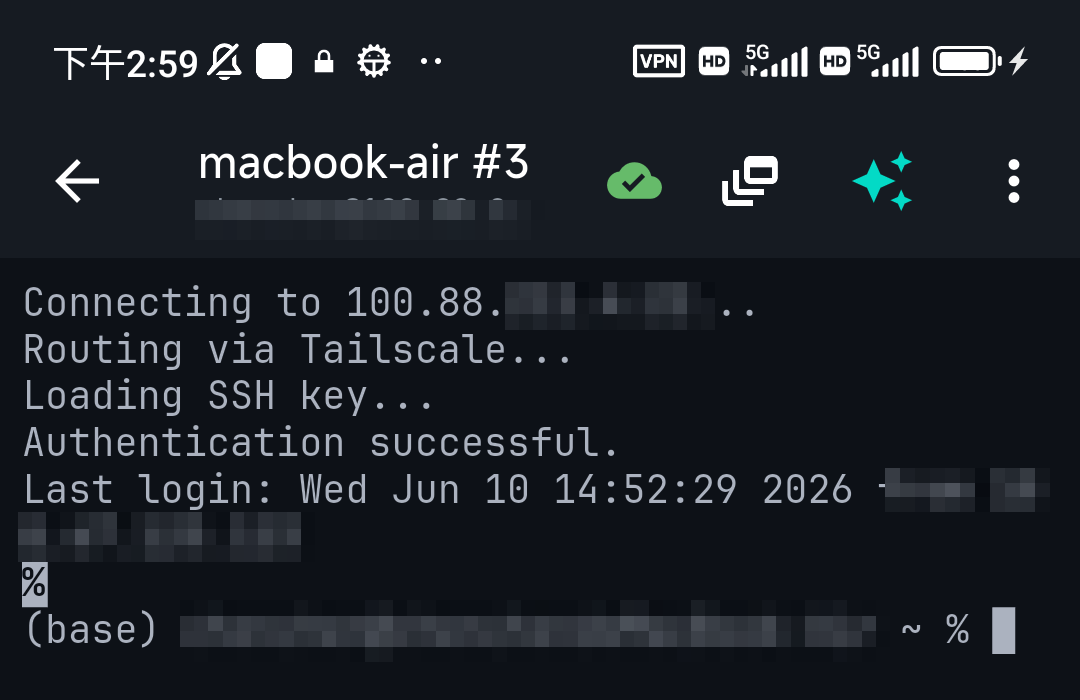
Doing it from a phone
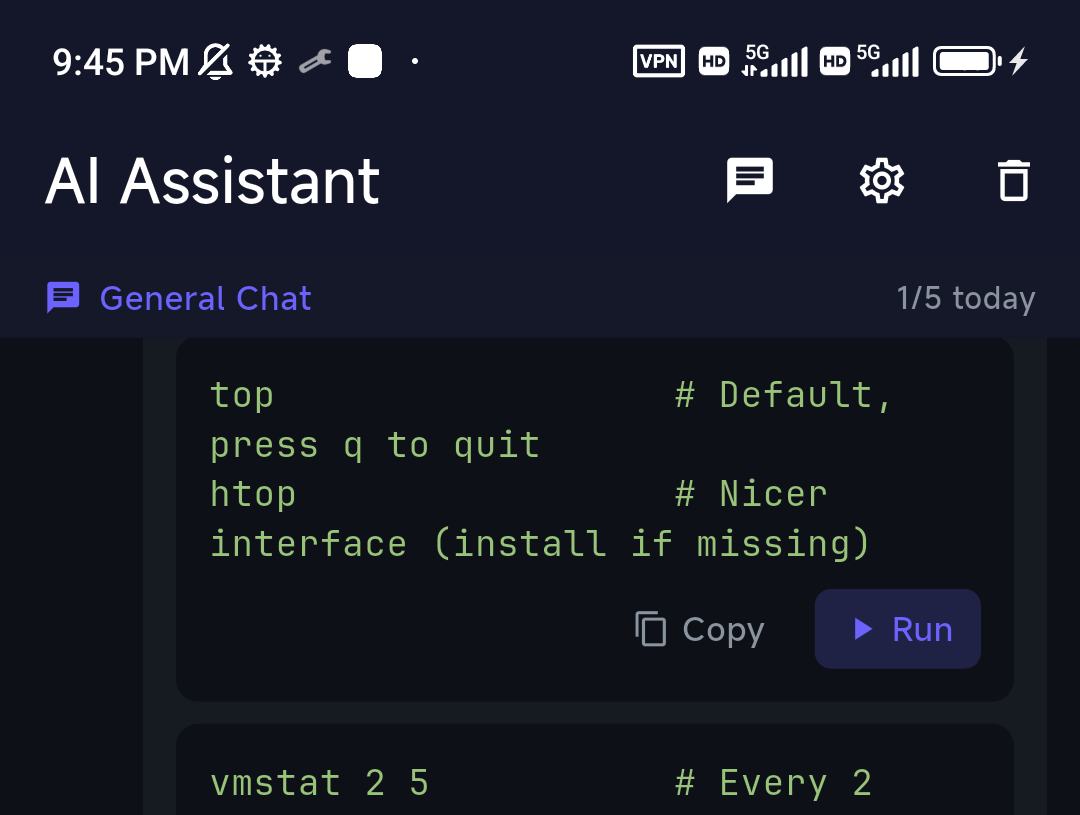
fail2ban is entirely manageable over SSH from a phone: edit jail.local via SFTP or nano, restart the service, and check status. If you can't recall the exact fail2ban-client subcommand, describe it to TermAI's assistant — "show banned IPs for sshd", "unban this address" — and review the command before running it.
Don't lock yourself out
fail2ban can ban you if you fail your own logins a few times. Two safeguards: keep a working session open while you test, and add your own IP (or your Tailscale range) to the ignore list:
# in [DEFAULT] of jail.local
ignoreip = 127.0.0.1/8 100.64.0.0/10
That 100.64.0.0/10 is the Tailscale range — if you reach SSH over Tailscale, your own connections won't get banned. Even better: keep SSH behind Tailscale entirely, and the public bots never reach it to begin with.
FAQ
Do I need fail2ban if I use SSH keys?
It's optional. With keys and password login disabled, brute-force attempts can't succeed. fail2ban still reduces log noise and blocks the traffic, so many admins run it as an extra layer.
How long does fail2ban ban an IP?
Whatever you set as bantime — 1 hour is common. You can increase it or make it escalate for repeat offenders.
How do I unban an IP in fail2ban?
Run fail2ban-client set sshd unbanip <IP>. Add trusted IPs to ignoreip so they're never banned.
Quick Facts
- What it does: bans IPs after repeated failed SSH logins
- Its place: defense-in-depth — keys + no password matter more
- Config:
/etc/fail2ban/jail.local→[sshd]maxretry / findtime / bantime - Don't self-ban:
ignoreipyour IP / Tailscale range; better yet keep SSH behind Tailscale
Free on iOS and Android. 5 AI requests/day on the free tier, plus unlimited SSH/SFTP and built-in Tailscale.