ConnectBot vs Termux in one line
These solve different problems, and that's the whole answer. ConnectBot is a free, open-source Android SSH client — it connects to remote servers, with saved hosts and keys. Termux is a free Android local Linux environment — it runs Linux tools on the phone itself; you can run the ssh command inside it, but there's no host list or tap-to-connect. So pick by the job: connect to servers → an SSH client (ConnectBot, or a modern one like TermAI); run Linux on the device → Termux. Here's the honest breakdown.
Side by side
| ConnectBot | Termux | TermAI | |
|---|---|---|---|
| Type | SSH client | Local Linux env | SSH client |
| Purpose | Connect to servers | Run Linux on-device | Connect to servers |
| Saved hosts / keys | ✅ | ❌ (manual, CLI) | ✅ |
| SFTP file manager | ❌ | ❌ (cli tools) | ✅ |
| AI assistant | ❌ | ❌ | ✅ free tier |
| Tailscale | ❌ | via package | ✅ built-in |
| Price | Free (open source) | Free (open source) | Free tier; Pro $2.99/mo |
ConnectBot — a managed SSH client
ConnectBot is the veteran free, open-source Android SSH client. It's a proper connection manager: save a host with its username and key, tap to connect, get a shell on the remote server. It's genuinely free, needs no account, and is privacy-friendly. The downsides are age — no cloud sync, no integrated SFTP file browser, no AI, and a dated UI. It's lightly maintained but not gaining modern features.
Best for: Android users who want a free, open-source way to connect to servers.
Trade-off: Android only, no sync/SFTP/AI, dated UI.
Termux — a local Linux environment (not an SSH client)
Termux is frequently suggested alongside ConnectBot, but it's a different category: it's a full Linux environment on your phone — a terminal emulator with a package manager (pkg install ...). You get a real shell with tools running on the device. You can pkg install openssh and run ssh user@host from it, but there's no saved-host list, no key-management GUI, and no tap-to-connect — you manage everything on the command line. It was removed from the Play Store, so install it from F-Droid. Great for on-device Linux; not a like-for-like SSH connection manager. More in Termius vs Termux and running Linux on Android.
Best for: tinkerers who want a Linux sandbox running on the phone itself.
Trade-off: not a managed SSH client; manual setup; Android only.
Which do you actually need?
- Connect to and manage remote servers → an SSH client. ConnectBot if you want free + open source + basic; TermAI if you want a modern client with AI and SFTP.
- Run Linux tools on the phone itself → Termux.
- Both → they coexist fine: Termux for local tools, an SSH client for remote servers.
TermAI — a modern managed SSH client
If ConnectBot's category is right for you but its dated UI isn't, TermAI is the modern take: a managed Android/iOS SSH client with saved hosts and keys, integrated SFTP, built-in Tailscale, and an AI assistant — on a free tier (unlimited SSH + 5 AI requests/day; Pro $2.99/mo). Describe a task in plain language and it suggests the command, grounded in your live server, with a confirmation before anything destructive runs.
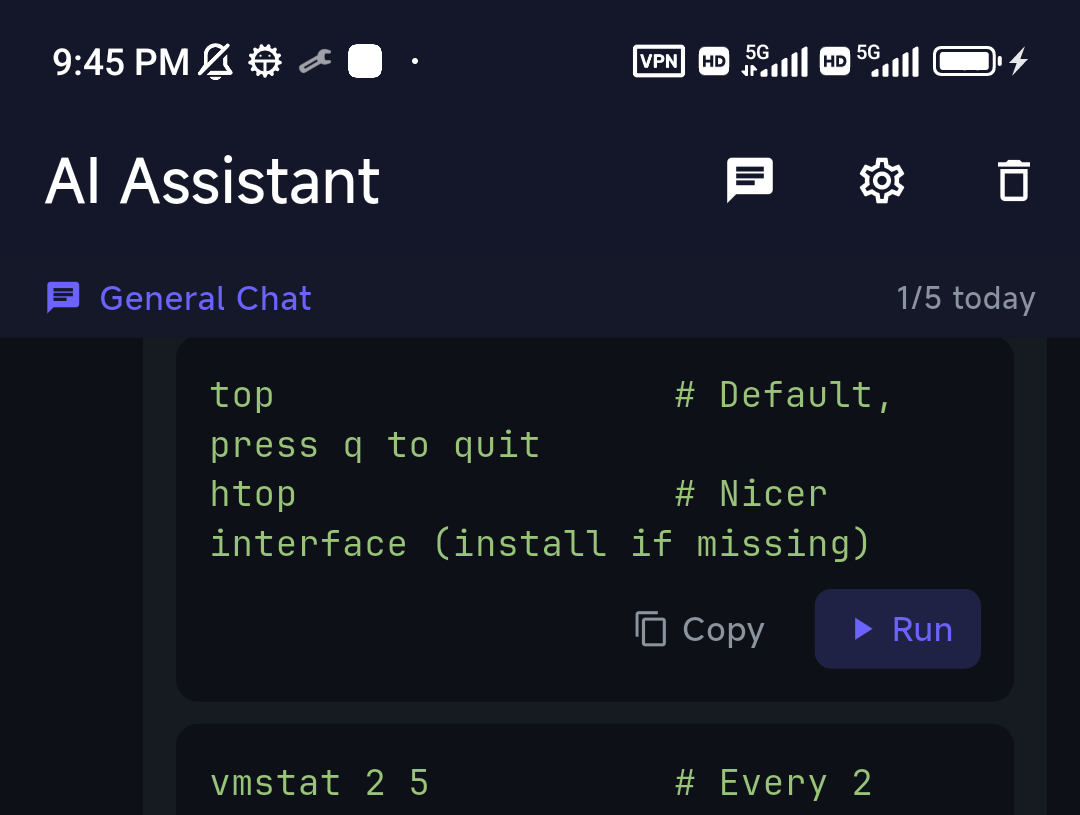
Tapping Run drops the command into the live session — the AI is part of the workflow, not a separate chat.
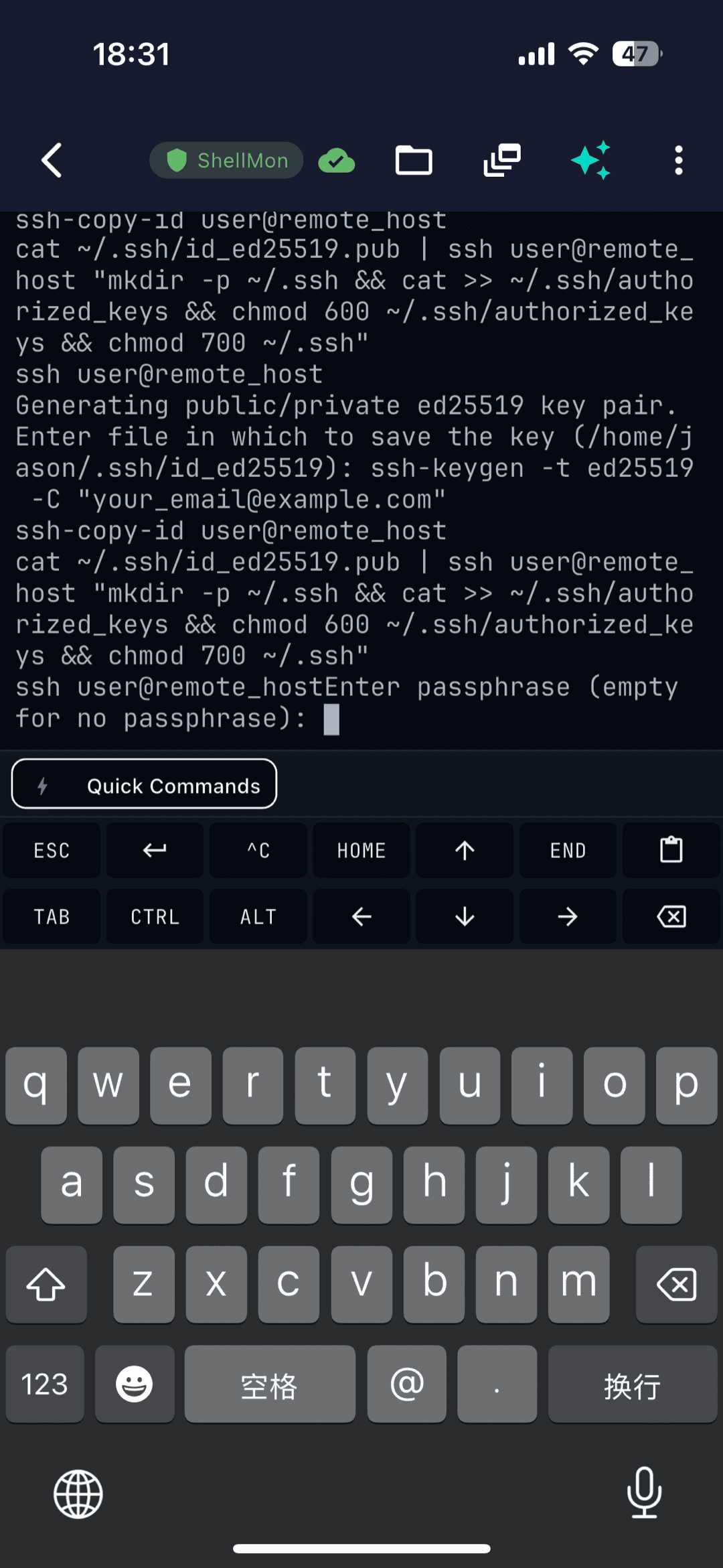
New to it? The visual getting-started guide walks through your first connection.
How to pick
- Free, open-source way to connect to servers → ConnectBot
- A Linux sandbox on the phone itself → Termux (not an SSH client)
- A modern managed SSH client with AI → TermAI
FAQ
Is Termux an SSH client?
No. Termux is a local Linux environment on Android. You can run the ssh command inside it, but it has no saved-host list or tap-to-connect — for managing remote servers use an SSH client like ConnectBot or TermAI.
Can I SSH with Termux?
Yes, technically: pkg install openssh then ssh user@host. But you manage hosts and keys manually on the command line — there's no GUI connection manager.
What's the difference between ConnectBot and Termux?
ConnectBot connects to remote servers (a managed SSH client). Termux runs Linux on your phone (a local sandbox). Different jobs; you can use both.
Is there a modern free SSH client for Android?
Yes. TermAI's free tier is a modern managed SSH client with saved hosts, SFTP, built-in Tailscale, and an AI assistant (5 AI calls/day).
Quick Facts
- ConnectBot: free, open-source Android SSH client — connects to servers; dated UI, no sync/SFTP/AI
- Termux: free, open-source local Linux environment — runs Linux on-device; not an SSH connection manager (F-Droid)
- TermAI: modern managed SSH client — free tier with AI, SFTP, built-in Tailscale (Android + iOS)
- Pick by job: connect to servers (ConnectBot/TermAI) vs run Linux on the phone (Termux)
Free on iOS and Android. 5 AI requests/day on the free tier, plus unlimited SSH/SFTP and built-in Tailscale.