The short answer
You can run a real Linux command line on Android without rooting the phone, using a user-space technique called proot that runs a Linux distro (usually Alpine or Ubuntu) inside an ordinary app. The best-known option is Termux — a full, free Linux environment. If you also want an SSH client and an AI assistant in the same app, TermAI bundles a local Alpine Linux terminal next to its SSH client. This guide covers what's actually possible, the main apps, and which to pick.
What "Linux on Android" really means
Android is Linux underneath, but apps are sandboxed and you don't get a normal shell with package management. Two ways to get one:
- proot (no root) — runs a Linux distro in user space inside an app. You get apt/apk, compilers, Python, SSH, etc. Slight overhead, but no rooting and no risk to your device. This is what almost everyone uses.
- chroot (root required) — near-native speed but needs an unlocked, rooted phone. Overkill for most, and it voids the safety of a stock device.
For 99% of people, proot is the answer — a real Linux userland, no root.
The main apps
| App | What it is | Best for |
|---|---|---|
| Termux | Full free Linux env (apt packages, scripting) | Power users who live in the terminal |
| UserLAND / Andronix | Helpers to run full distros (Ubuntu/Debian) via proot | Wanting a specific desktop distro |
| TermAI | SSH client + AI + a built-in local Alpine terminal | One app for both servers and a local shell |
Termux: the free standard
Termux is the reference option — free, open source, and genuinely powerful. pkg install gives you Python, Node, git, SSH, and thousands of packages; you can script, compile, and self-host small things right on the phone. The trade-offs: the learning curve is real, it's terminal-only (no managed-host GUI), and you install it from F-Droid (the Play Store version is frozen). If your goal is "a Linux playground on my phone," Termux is the answer.
TermAI: local terminal next to your servers
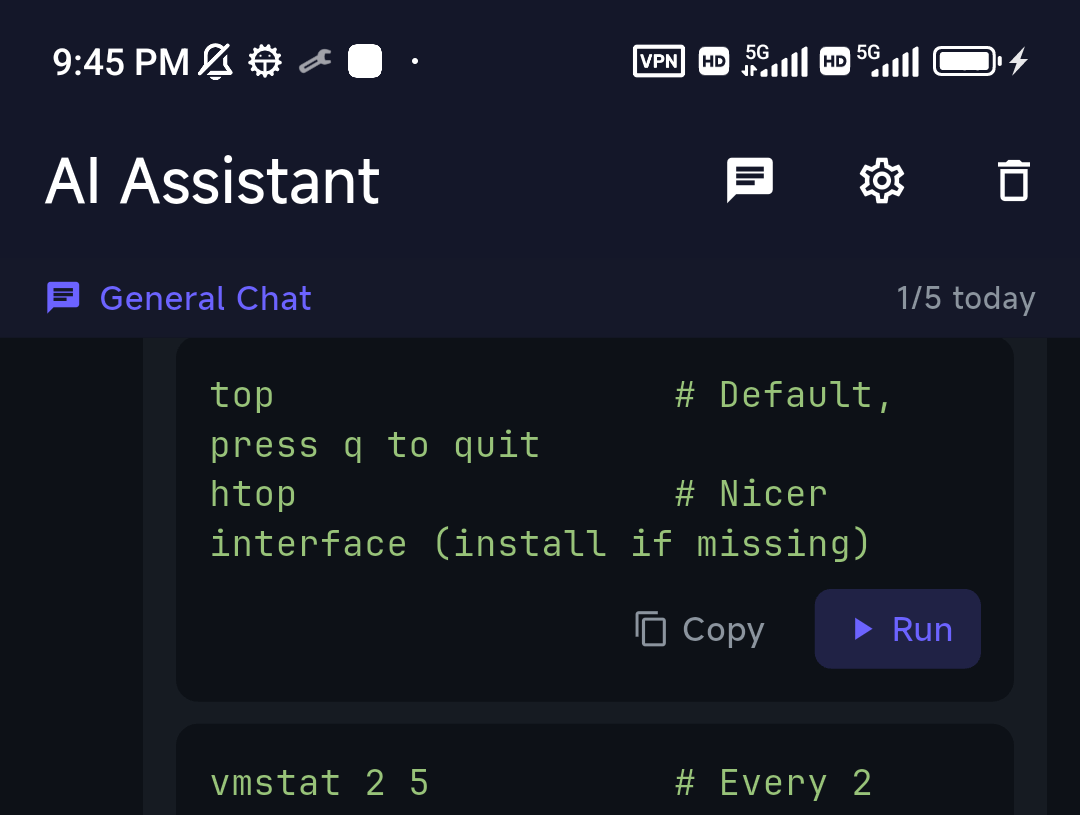
If you mostly SSH into servers but also want a local shell on the phone, having both in one app is convenient. TermAI's Android build includes a local Alpine Linux terminal (via proot, no root) alongside its managed SSH client — so you can jump between a local shell and your remote servers without switching apps, and the same AI assistant works in both: describe a task, get a command to review before it runs.
Which should you pick?
- Want the most powerful free Linux playground → Termux.
- Want a specific full distro (Ubuntu/Debian) with a desktop → UserLAND / Andronix.
- Mostly manage servers but want a local shell + AI in one app → TermAI.
Not sure of the Termux vs managed-client trade-off? See Termius vs Termux.
FAQ
Can I run Linux on Android without root?
Yes — apps like Termux use proot to run a Linux distro (Alpine/Ubuntu) in user space, giving you a real shell with package management and no need to root the phone. This is how the vast majority of people do it.
Do I need root, and what does root add?
You don't need it. Rooting only helps niche cases — running a full chrooted distro, real kernel modules, or hardware access — at the cost of security and warranty. For everyday Linux tools and SSH, stick with the no-root (proot) route.
What's the best app to run Linux on Android?
Termux for a full free Linux environment; UserLAND/Andronix for running a specific distro; TermAI if you want a local Alpine terminal alongside an SSH client and AI assistant in one app.
Is it real Linux or an emulator?
It's a real Linux userland running via proot — not an emulator. Native ARM binaries run directly; only the syscall layer is mediated, so the overhead is small.
Can I SSH from the local terminal?
Yes — install an SSH client in Termux, or use an app like TermAI that pairs the local terminal with a managed SSH client.
Quick Facts
- No root needed:
prootruns a real Linux distro (Alpine/Ubuntu) in user space - Termux: the free, open-source standard — full package manager, install from F-Droid
- TermAI: bundles a local Alpine terminal with an SSH client + AI in one app
- Not an emulator: native ARM binaries run directly; small syscall overhead
Free on iOS and Android. 5 AI requests/day on the free tier, plus unlimited SSH/SFTP and built-in Tailscale.