What a Tailscale exit node does
A Tailscale exit node routes all your internet traffic through one of your tailnet devices. From your phone, that means your browsing appears to come from that machine — useful for reaching geo- or IP-restricted things on your home network, or for a trusted exit when you're on sketchy public Wi-Fi. It's different from normal Tailscale use, where you only reach your own devices. Here's how to set one up and use it from a phone.
Exit node vs. just reaching your devices
Important distinction, because it trips people up:
- Normal Tailscale: your phone can reach your tailnet devices (SSH to your server, open your NAS) — but your general internet traffic still goes out your phone's own connection.
- Exit node: everything — every app's internet traffic — tunnels through the chosen device first. That's a bigger hammer, and it caps your speed to that device's upload.
Step 1 — Advertise a device as an exit node
On the machine you want to use as the exit (a home server, an always-on box), run:
sudo tailscale up --advertise-exit-node
Then approve it in the Tailscale admin console: open the device, and under its route settings enable Use as exit node. Until you approve it there, it won't be selectable.
Step 2 — Select the exit node on your phone
In the Tailscale app on your phone, open the menu and choose Exit Node, then pick your device. All traffic now routes through it. To stop, set Exit Node back to None.
When it's actually useful
- Public Wi-Fi — route through a trusted home box instead of trusting the café network.
- Appear on your home network — reach services or sites that only allow your home IP.
- Consistent egress IP — useful when something is tied to your home address.
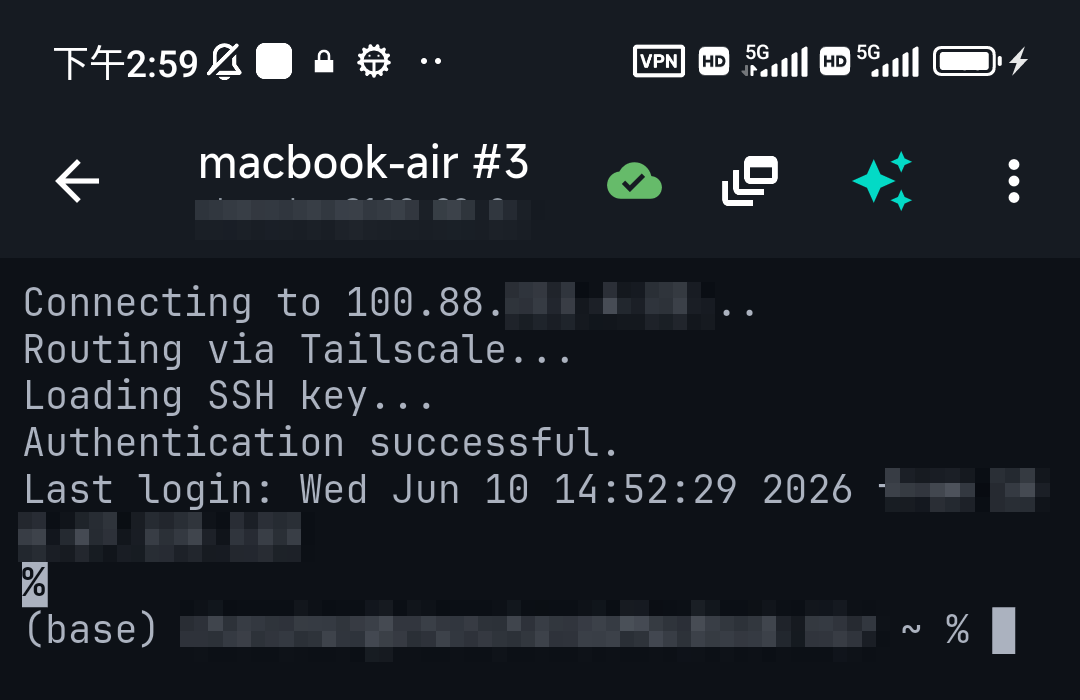
For just SSHing into your home server, you don't need an exit node — plain Tailscale already does that. Use an exit node only when you want your whole connection to go through home.
Caveats
- Speed — your browsing is capped by the exit node's upload bandwidth.
- Battery — tunneling all traffic uses more power than idle Tailscale.
- It must stay online — if the exit device sleeps or drops, your traffic stops until you switch it off.
FAQ
Do I need an exit node to SSH into my home server?
No. Plain Tailscale already lets your phone reach tailnet devices directly. An exit node is only for routing all traffic through home.
Why isn't my exit node showing on the phone?
You probably advertised it but didn't approve it in the admin console. Enable "Use as exit node" for that device there.
Can my phone be the exit node?
In practice you want an always-on, well-connected device (a home server) as the exit node, not a phone.
Quick Facts
- Exit node: routes ALL your traffic through a chosen tailnet device
- Set up:
tailscale up --advertise-exit-node+ approve in admin console - Use on phone: Tailscale app → Exit Node → pick the device
- Not needed for plain SSH to your devices — that already works
- Trade-offs: speed capped by the node's upload; more battery
Free on iOS and Android. 5 AI requests/day on the free tier, plus unlimited SSH/SFTP and built-in Tailscale.