Managing Pi-hole from your phone over SSH
The Pi-hole web dashboard is fine on a desktop, but when a site is blocked and you're on the couch, opening a browser, logging in, and finding the toggle is slow. SSH is faster: connect to the Pi running Pi-hole and a single command pauses blocking, checks status, or updates your blocklists. This guide covers the handful of pihole commands that do the job from a phone.
Step 1 — SSH into the Pi running Pi-hole
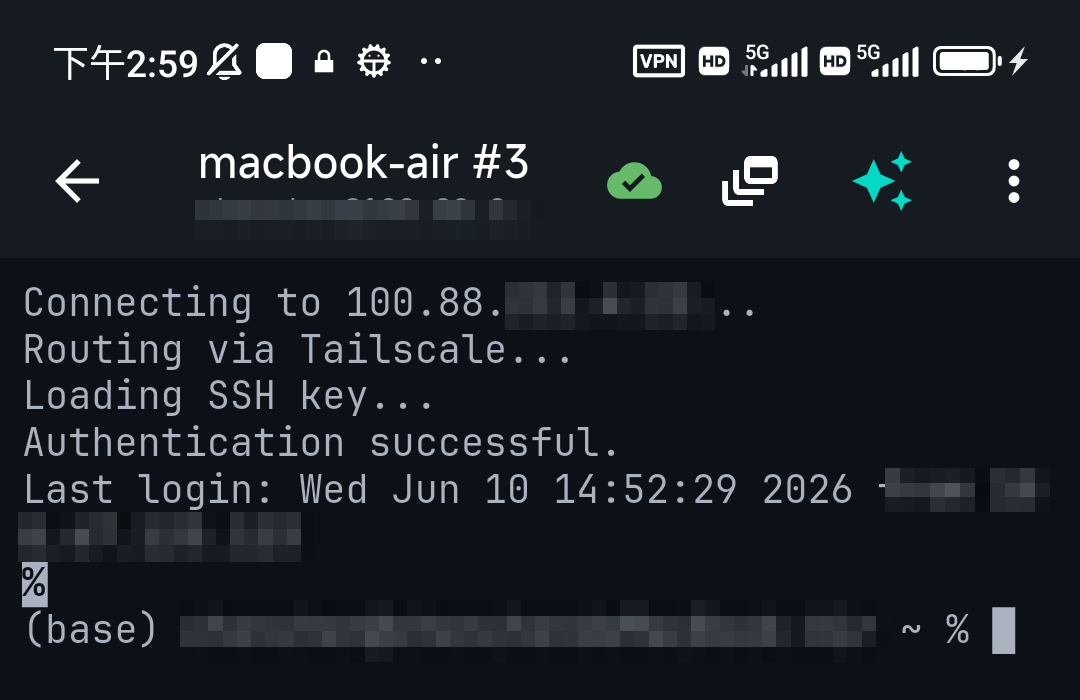
Pi-hole runs on a host — usually a Raspberry Pi. Connect to it over SSH from a mobile client (iPhone / Android): host = the Pi's IP, port 22, username pi (or your user). Once you're at the shell, the pihole command does everything the dashboard does.
Step 2 — The pihole commands you'll actually use
| Goal | Command |
|---|---|
| Pause blocking for 5 minutes | pihole disable 5m |
| Turn blocking back on | pihole enable |
| Check status | pihole status |
| Live dashboard (stats) | pihole -c |
| Update blocklists (gravity) | pihole -g |
| Update Pi-hole itself | pihole -up |
| Restart DNS | pihole restartdns |
The most common one by far: pihole disable 5m when a site you trust is being blocked — it pauses filtering and turns it back on automatically, so you don't forget to re-enable it.
Step 3 — Watch the DNS log when something's off
To see what Pi-hole is actually blocking or resolving, tail its query log with pihole -t. On a phone, a live log is a fast-scrolling wall — so TermAI drops into a log-stream mode when it sees a follow command: a toolbar lets you pause the flow, filter the last 500 lines with blocks and errors colour-coded, and hand the last 100 lines to the AI to ask "why is this domain being blocked?". Much easier than squinting at pihole -t scrolling past.
Don't remember the flag? Ask
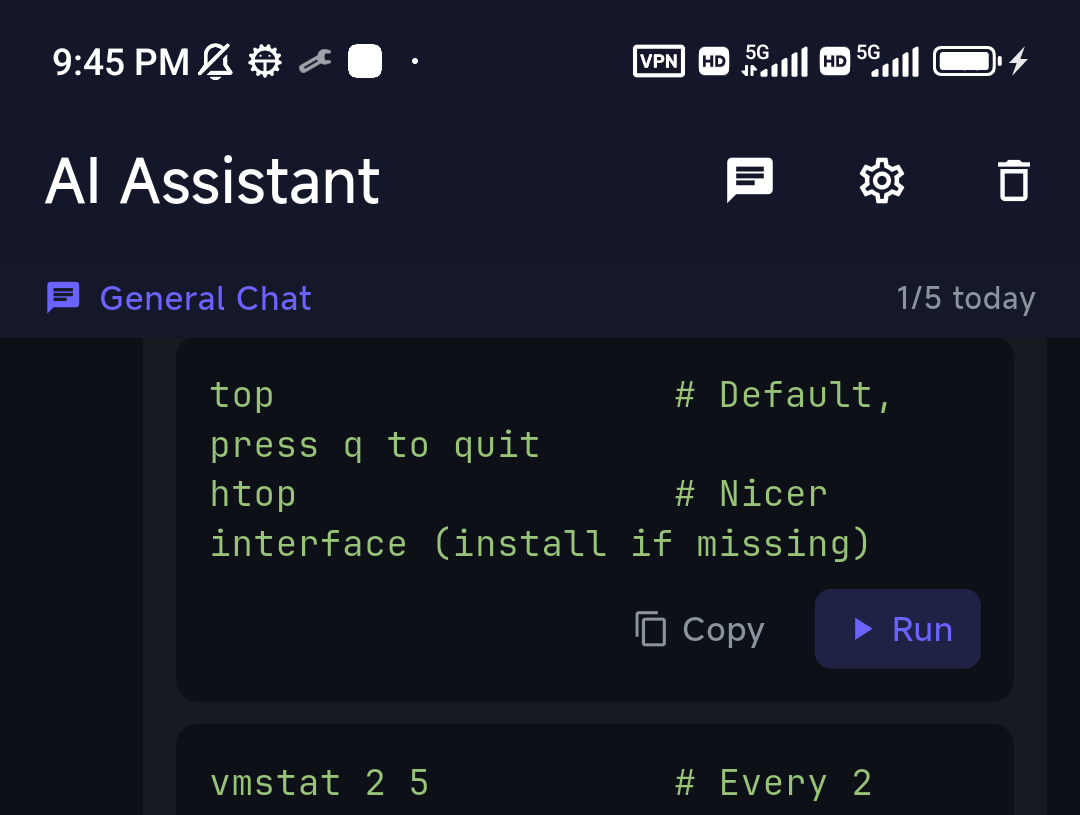
If you can't recall whether it's pihole -g or pihole -up, describe what you want to TermAI's assistant — "update the blocklists", "pause Pi-hole for ten minutes" — and it gives you the exact command to review and run, grounded in the Pi you're connected to.
Reaching Pi-hole when you're away from home
Pi-hole lives on your home network, so to manage it from mobile data you don't want to forward SSH to the internet. Install Tailscale on the Pi and your phone (or use TermAI's built-in Tailscale) and you can SSH to the Pi by its private address from anywhere. See Tailscale on iPhone.
FAQ
How do I temporarily disable Pi-hole from my phone?
SSH into the Pi and run pihole disable 5m (or any duration). It re-enables automatically, so you won't leave filtering off by accident.
How do I update Pi-hole's blocklists over SSH?
Run pihole -g to update gravity (the blocklists). Use pihole -up to update the Pi-hole software itself.
Can I manage Pi-hole remotely without exposing it?
Yes — use Tailscale on the Pi and your phone, then SSH to its private address. Don't forward port 22 or the admin page to the internet.
Quick Facts
- Task: manage Pi-hole from a phone over SSH
- Most useful:
pihole disable 5m(auto re-enables),pihole status,pihole -g - Logs:
pihole -t— TermAI's log-stream mode adds pause / filter / AI analysis - Remote: use Tailscale, not port forwarding
Free on iOS and Android. 5 AI requests/day on the free tier, plus unlimited SSH/SFTP and built-in Tailscale.